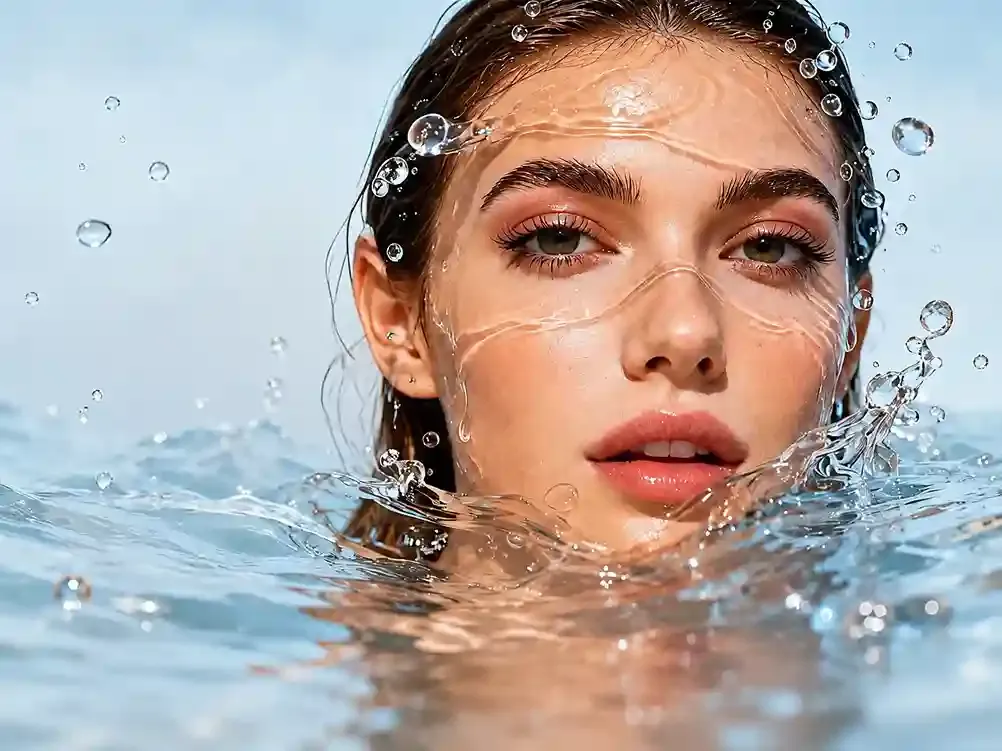
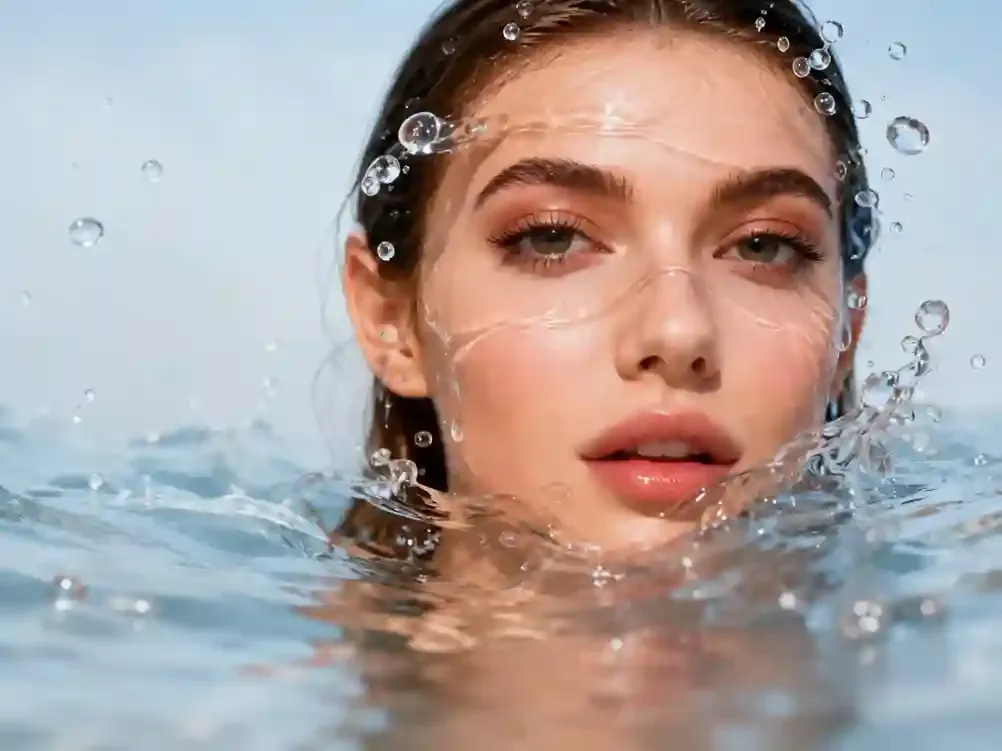
Fix Blurry Faces
Fix blurry faces, keeping facial features and hair clear without creating an AI-like face.
 Visro AI
Enhance Photo Quality Up to 4K Online
* Lower values enhance smoothness and beauty; higher values preserve original skin textures.
3 free runs everyday No login No watermark
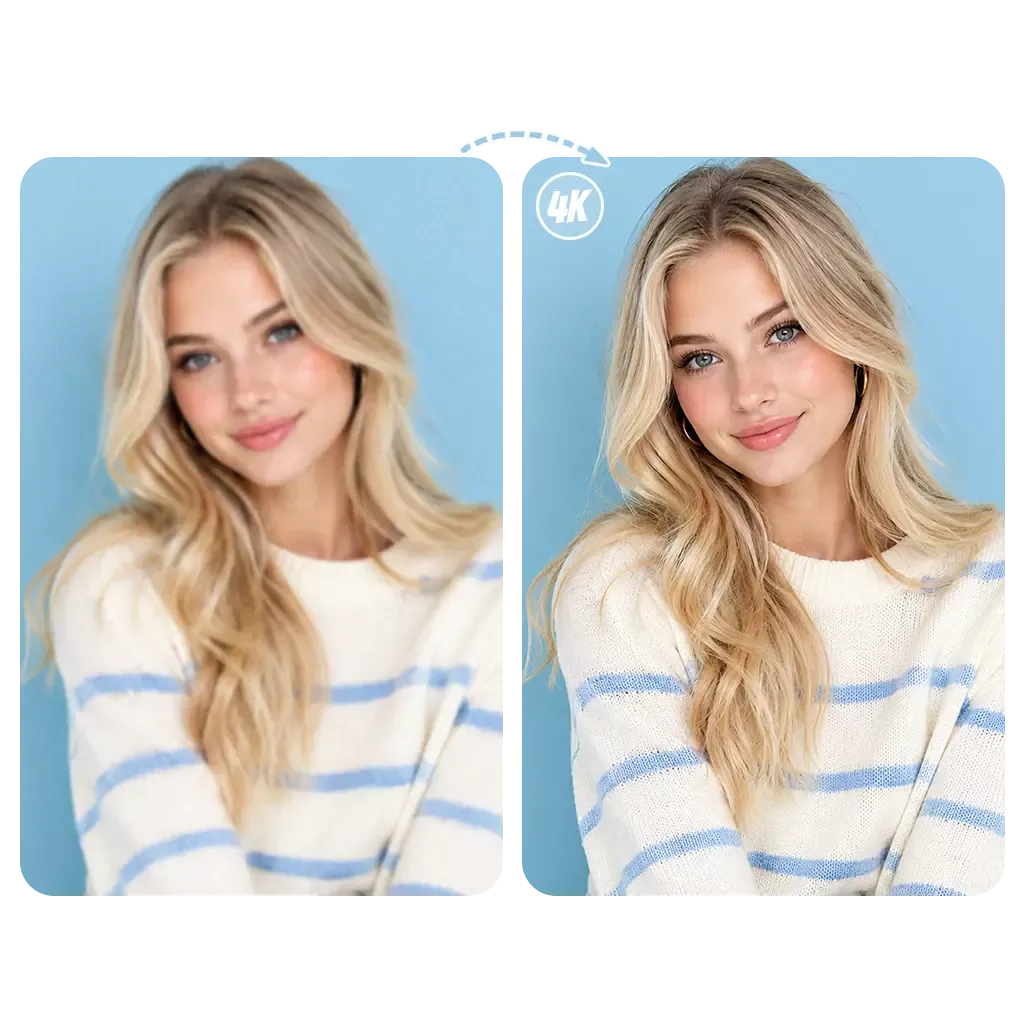
HD Studio Facial Enhancement
Upload a blurry face portrait on the left to preview sharp studio-quality restoration here
No history yet
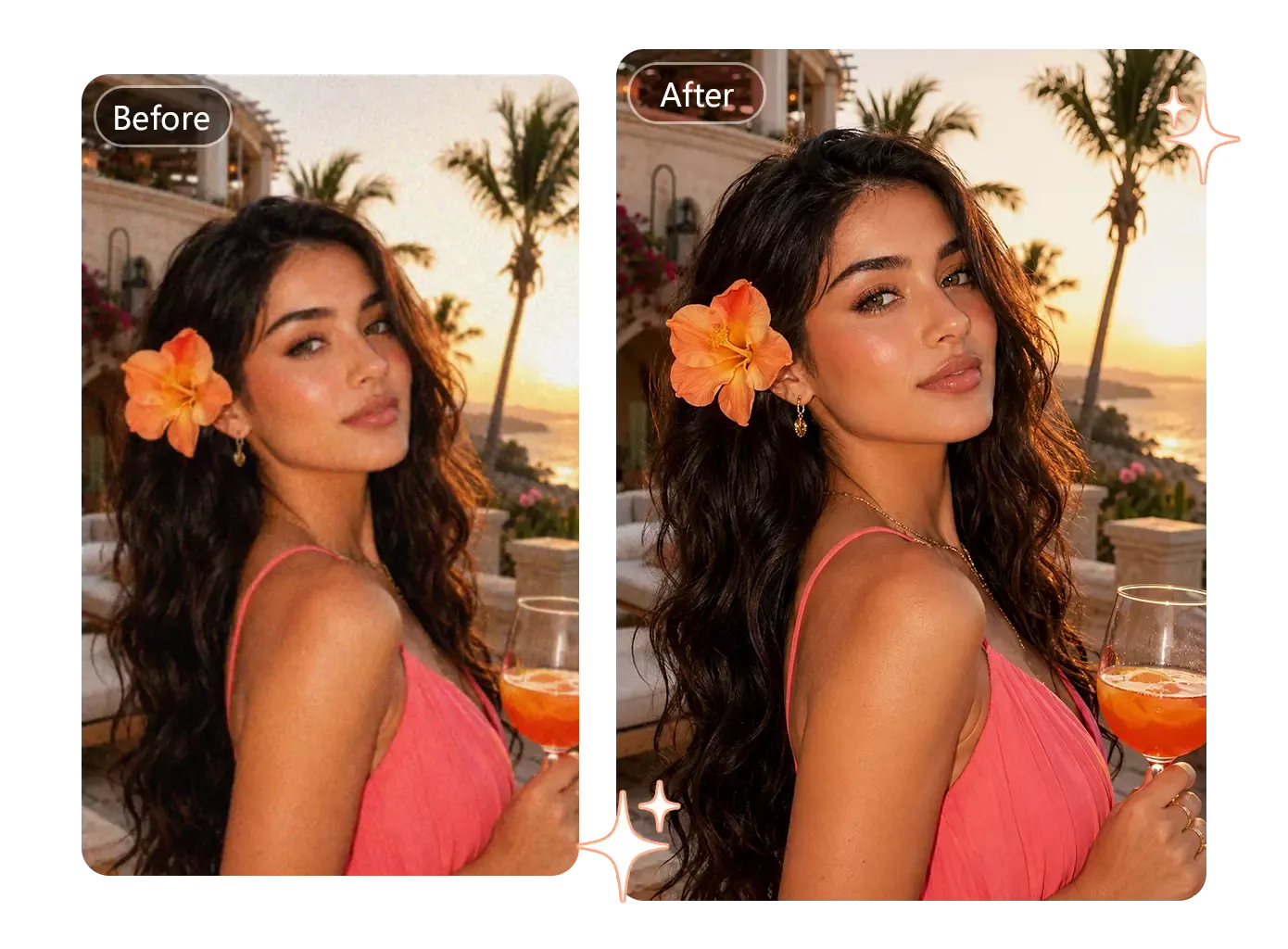
Enhance Every Portrait Photo
Not just portraits and selfies, our AI face enhancer can also enhance pet photos, old black-and-white photos, and more, improving image quality and details.
Try AI Face Enhancer OnlineFix blurry faces, keeping facial features and hair clear without creating an AI-like face.
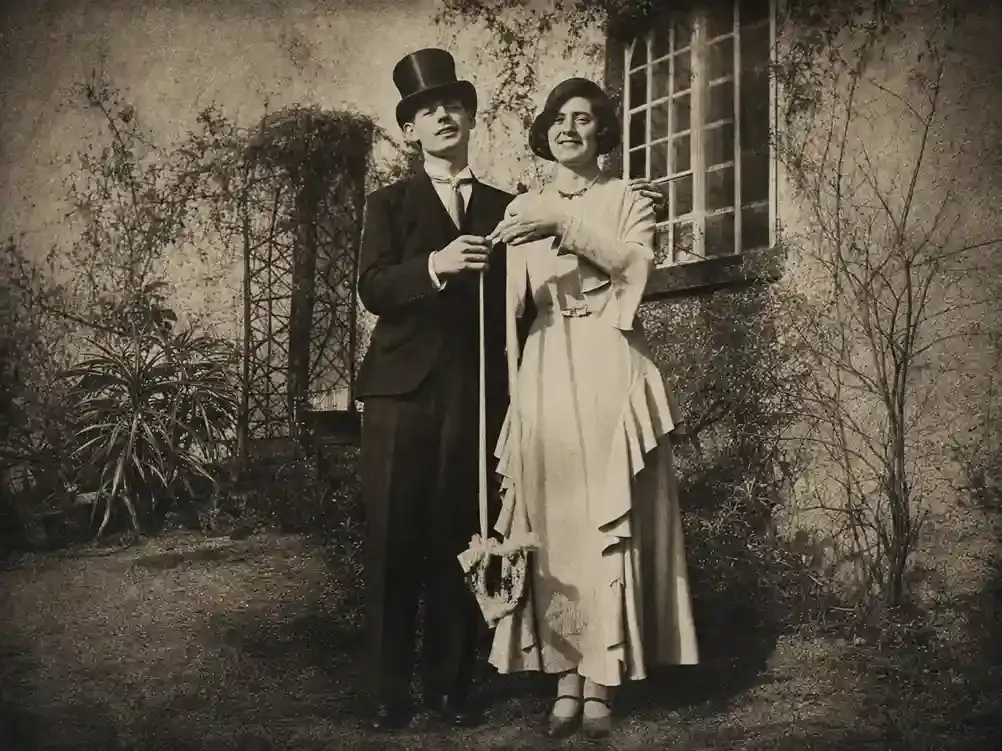
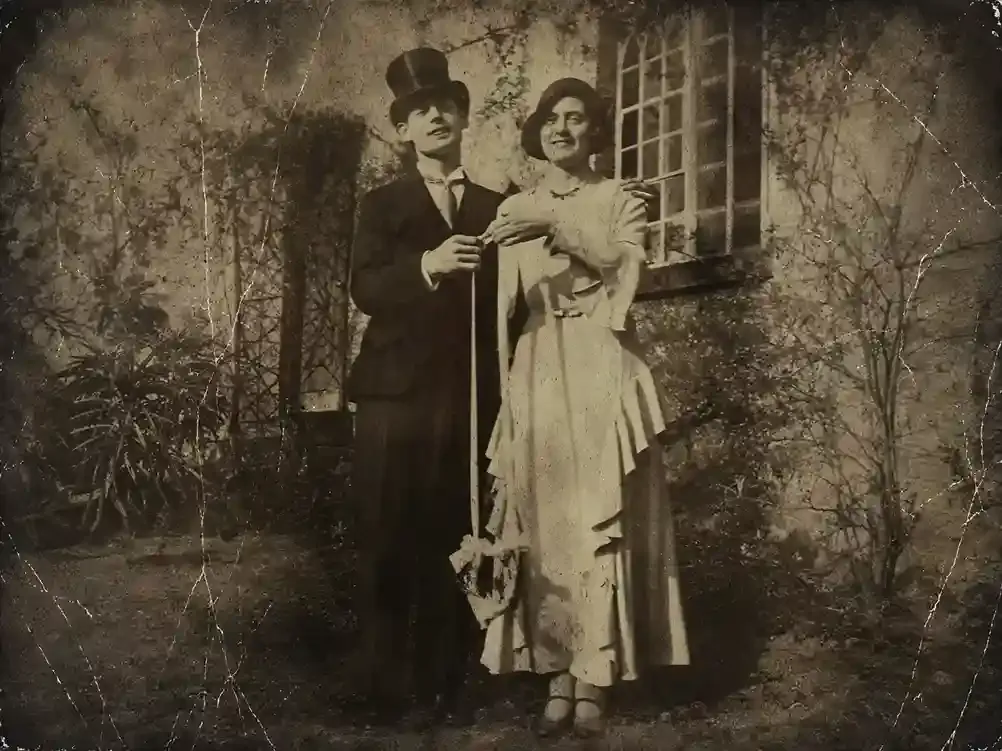
Improve old black-and-white photos, reducing blur and gray areas while preserving their texture.
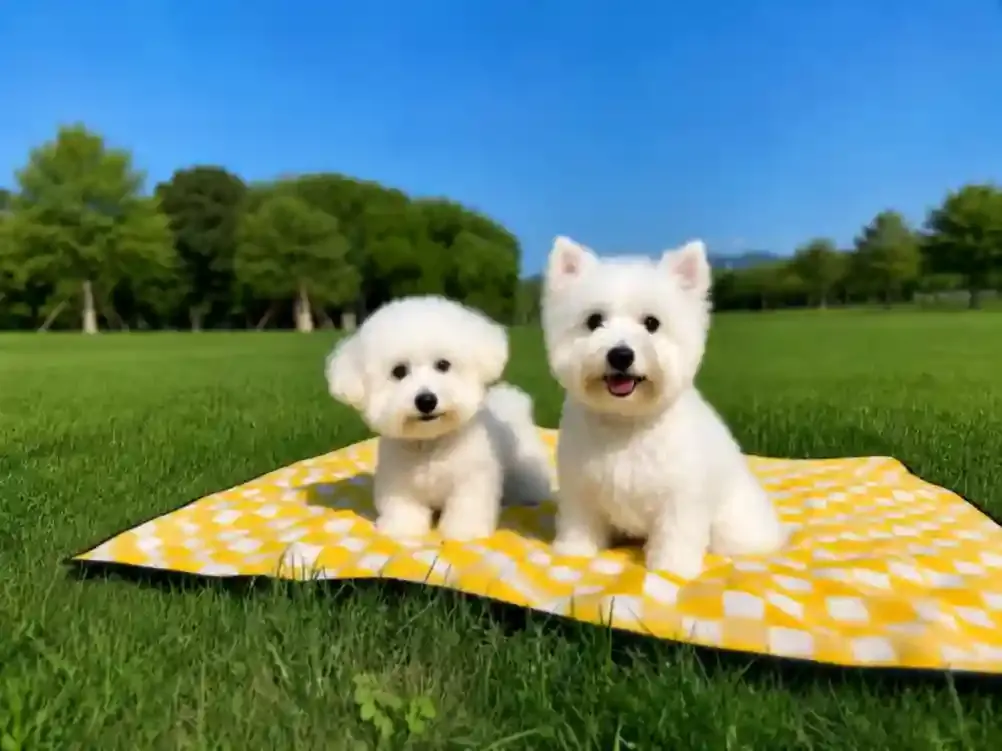
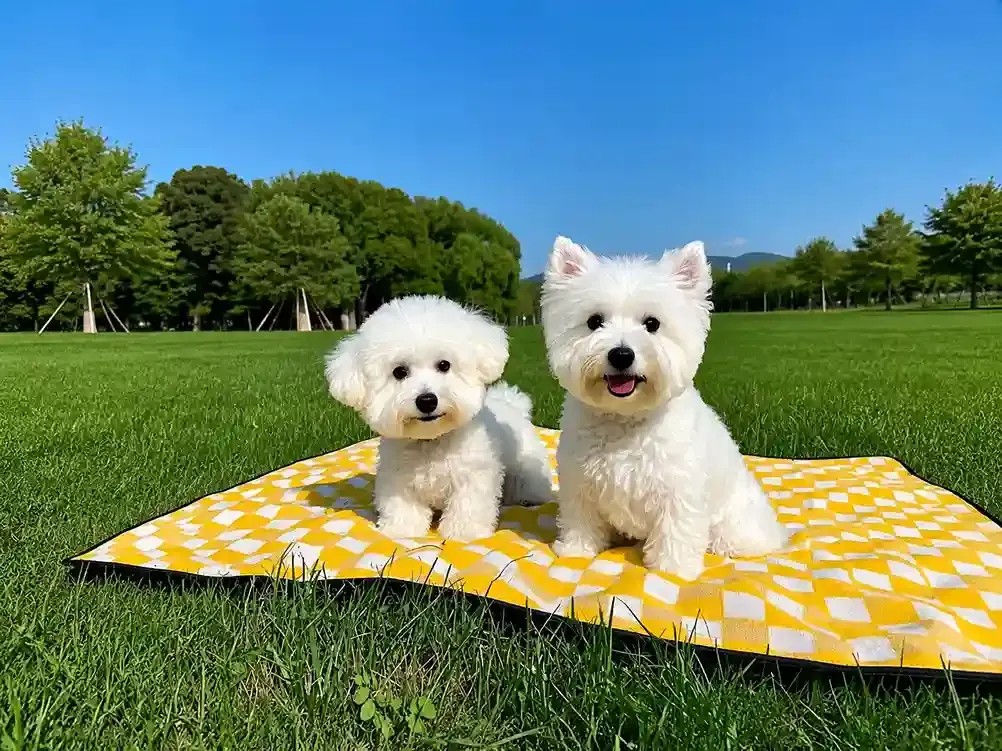
Enhance the quality of pet fur and eyes, while improving the overall image details.
How It Works
No sign-up or complicated steps needed. Just upload your photo and get a high-quality image in an instant.
Upload the photo you want to improve. It's not limited to portraits, pet photos, objects, landscapes, and more are supported.
Adjust the settings based on the photo. You can decide whether you want more clarity or to keep more of the original image texture.
Start the enhancement and wait a moment to see the result. You can also process it again if you want an even clearer image.
When the original photo is too small, faces and hair can easily look blurry after upscaling. AI face enhancer can upscale portrait photos to 2K, 4K, or even 8K while refining details like facial features and individual strands of hair. It works especially well for compressed selfies or photos saved from social media.
Enhance Photos Online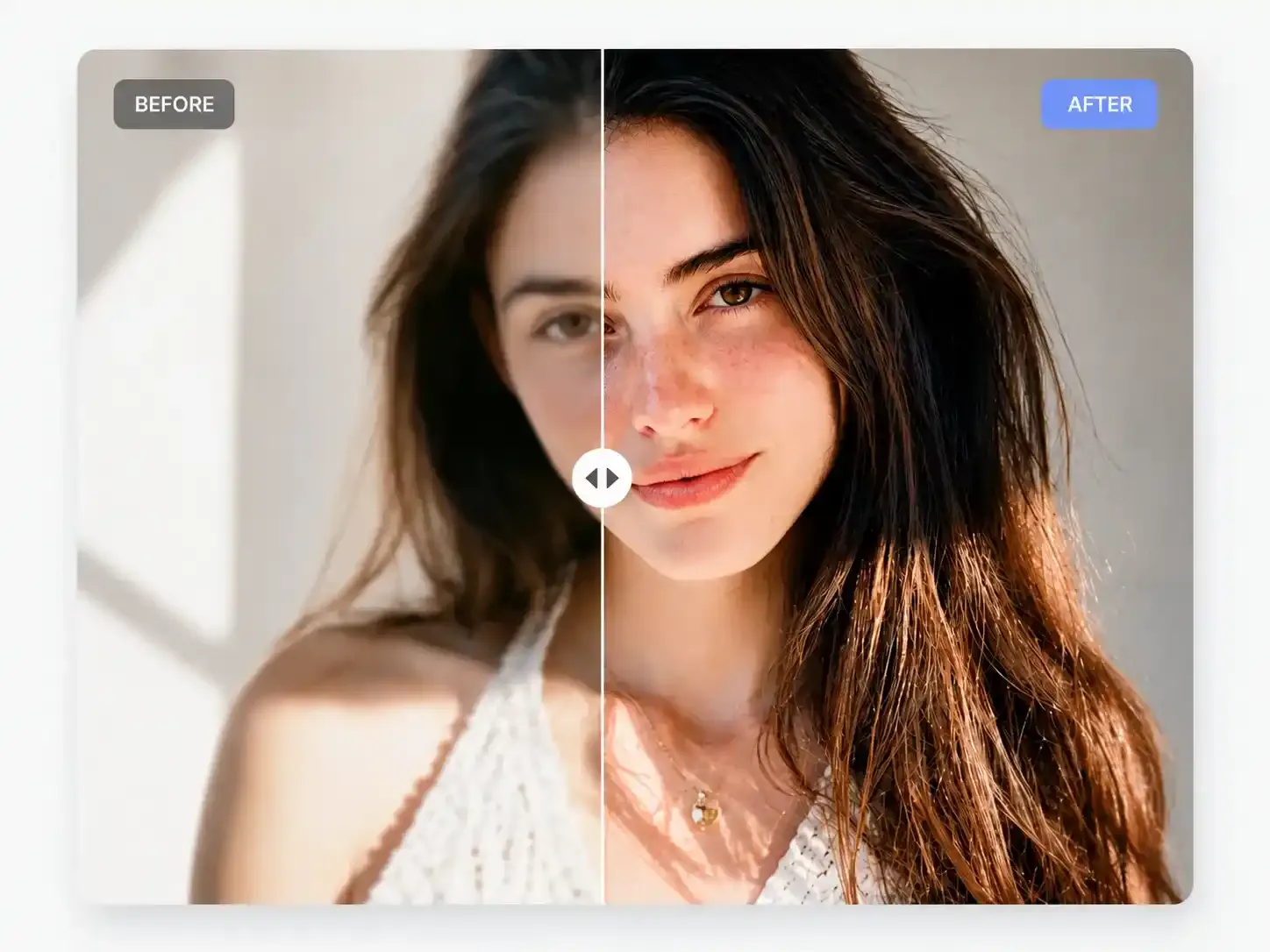
Screenshots or repeatedly saved photos can easily develop noise, blur, and visible pixelation. Our free AI face enhancer can address these image quality issues, reducing the grainy and pixelated look caused by compression and making the image look cleaner and clearer.
Restore & Sharpen Faces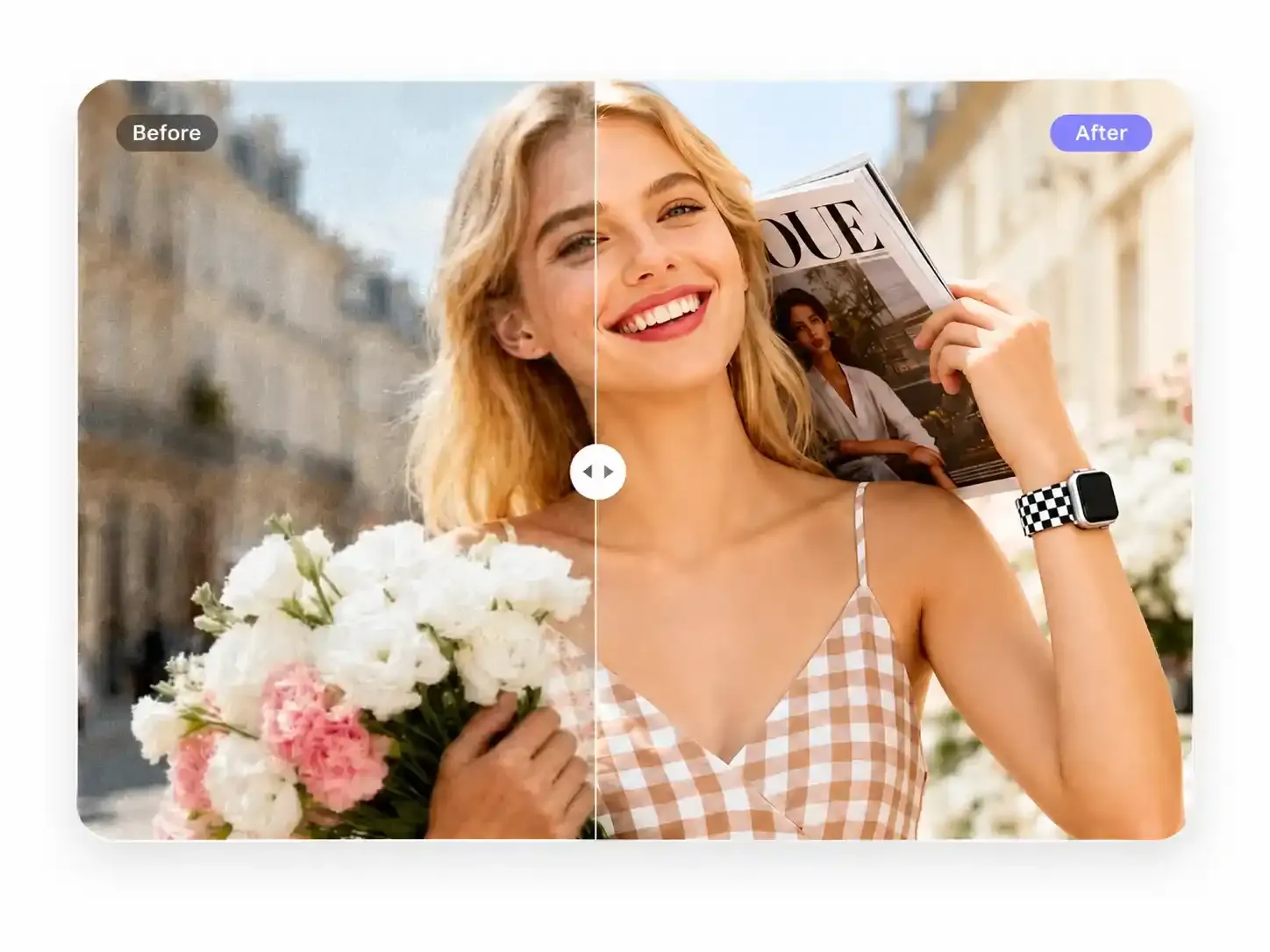
Tried quite a few AI photo enhancers, only to find that the facial features changed after enhancement, sometimes making the photo look unlike the original? Our AI face enhancer helps minimize this, preserving as much of the original image detail as possible while improving image quality and clarity without unnecessary changes.
Upscale Images to 4K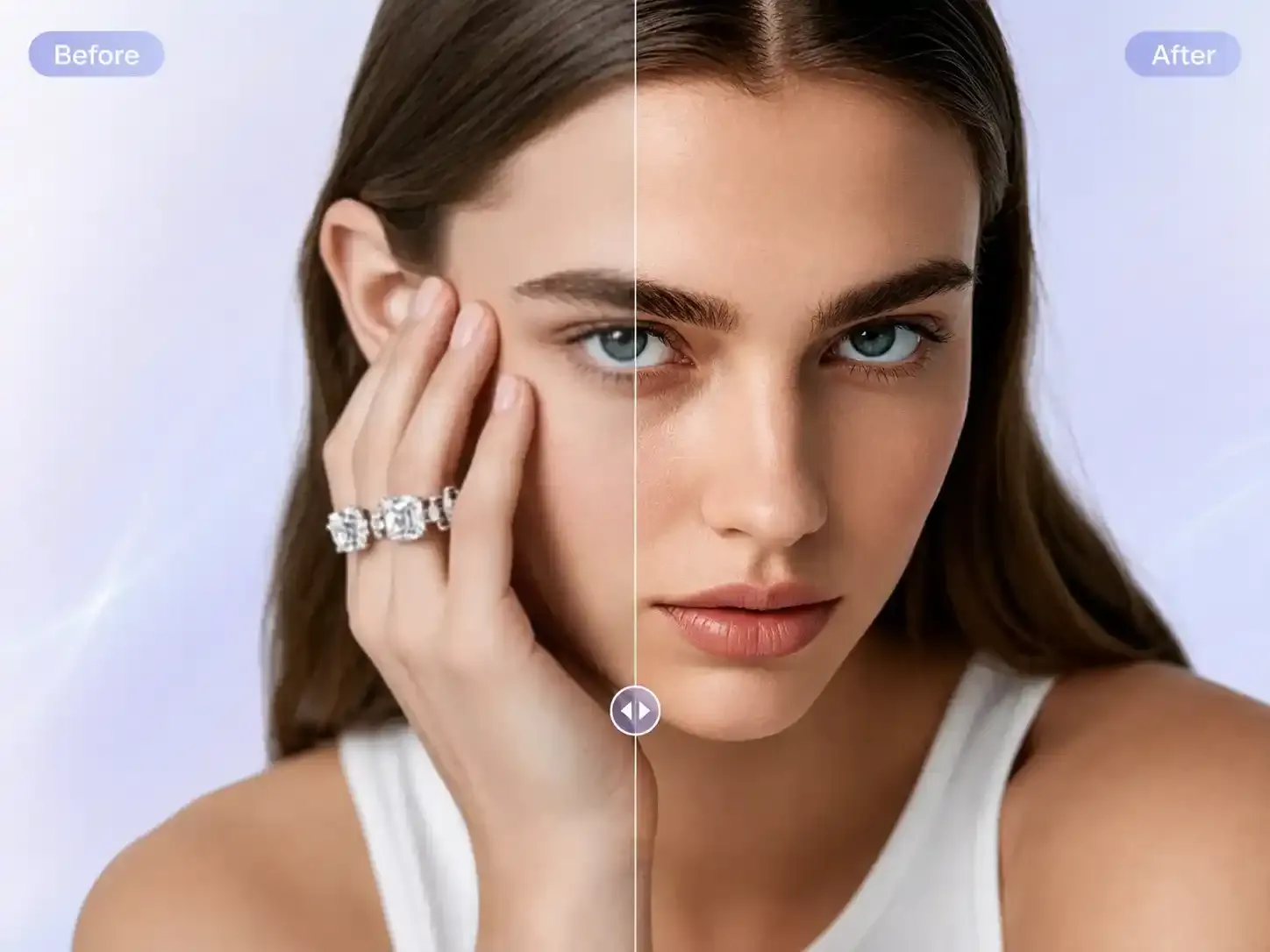
Some photos aren't actually blurry, but poor lighting or an overall yellowish or grayish tone can still affect the final look. Our free AI face enhancer does more than improve clarity, it can also adjust lighting, colors, and even out skin tone for a more balanced look. No complicated skills are needed, just adjust the settings and process the photo.
Beautify Your Selfie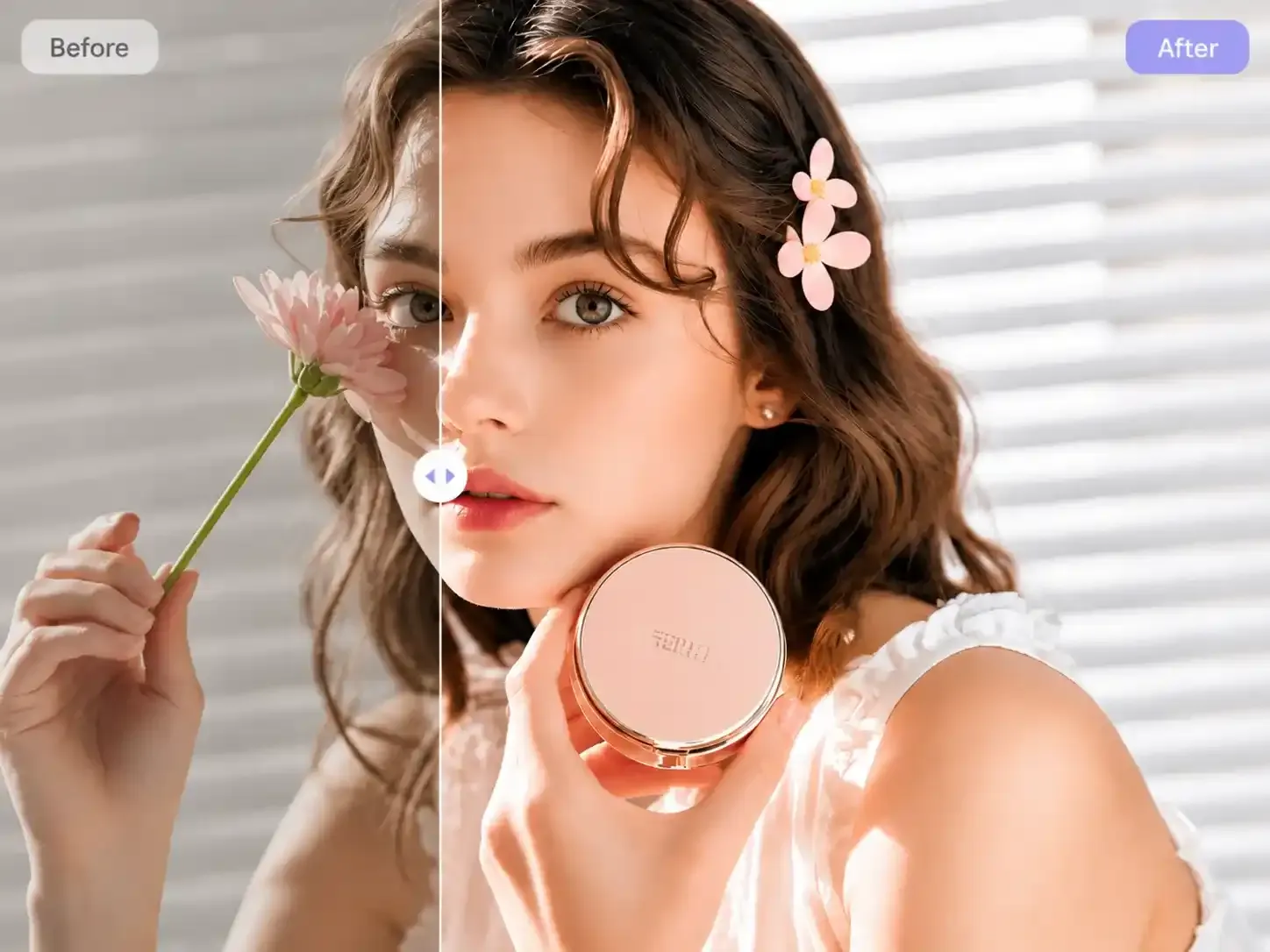
Graphic Designer
I had some older selfies saved on my phone, and they looked really blurry when I zoomed in, especially around the face and hair. I wasn't expecting much, but I tried AI face enhancer and was surprised by how much clearer the eyes and hair looked. It didn't make my face look overly processed either, which I liked.
Photographer
Some photos look noticeably blurry after being uploaded to social media, especially after cropping. I use AI photo enhancer to process them before uploading, and the details come out much better. Even as a profile picture, the face still looks clear when the image is resized.
Content Creator
I rely on AI face enhancer to restore old photos. Unlike some tools that automatically colorize black-and-white photos, it focuses on improving the original clarity and details while keeping the original black-and-white look. After the enhancement, the photo still looks like the original, just much clearer.
Help Center
Quick answers to questions you may have about our AI photo enhancer. Can't find what you're looking for? Feel free to contact us.