Visro AIVisro AI

Convert Image to Video Online

Upload an image and see what kind of animation our AI video generator can turn it into. No complicated steps, just tell it what you have in mind and let it do the rest.

model
V2 Standard50% OFF HotAudio
Fast, stable, motion-heavy video
Click or drag image here JPG, PNG, WEBP · ≤ 30MB
0/1500
Duration:
4s
Resolution:
Movement:
Generate Audio
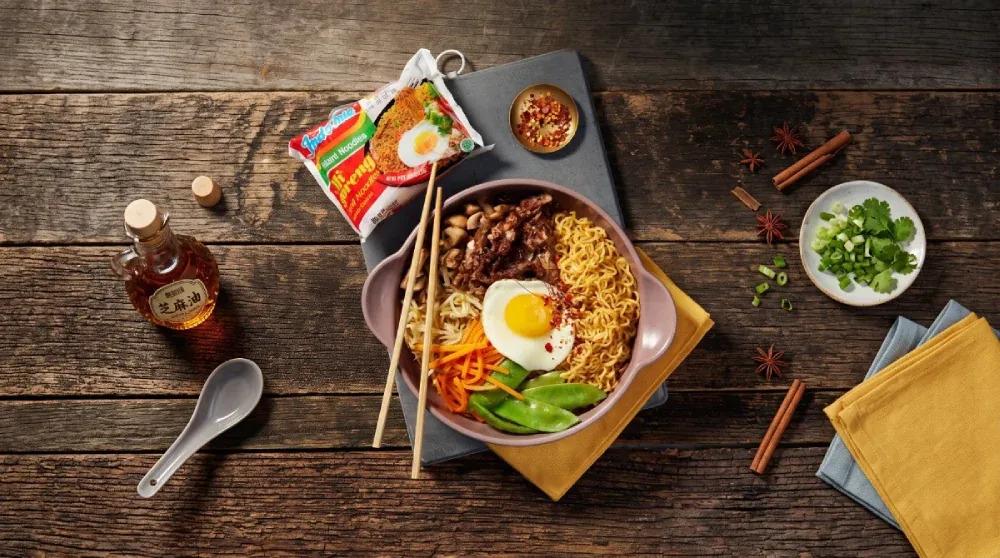
Source Image
"A high-energy, Hyper Motion food commercial sequence for Indomie Mi Goreng, based on Image 1. (0-1s) An extreme macro, high-key lighting shot on the rustic wooden table focusing on the crinkled Indomie Mi Goreng packet's colorful branding and text (Indomie Mi Goreng branding clear). (1-2s) The packet is torn open, and a slow-motion burst of seasoning (powder and dried flakes) and oil-coated noodles erupts from the tear, catching the light. (2-3s) Cut to a top-down view of the bowl where wooden chopsticks are lifting a large, elastic clump of glistening, seasoning-coated noodles, which stretch and separate. Steam billows from the bowl below. (3-4s) Close-up macro on individual ingredients as they make impact: a slice of grilled beef, a whole mushroom, and a pinch of chili flakes from the spice bowl are added to the elevated noodles in slow motion. Focus on the perfect fried egg below. (4-5s) A rapid, stylized pull-out shot revealing the complete, steaming bowl of finished Indomie Mi Goreng with all components (noodles, fried egg, beef, vegetables, mushrooms) and chopsticks. Steam billows. The scene is perfectly arranged on the rustic wooden table (as in Image 1) with the empty packet placed next to the bowl. A clean, hero shot of the entire dish. (Negative Prompt: Any text, subtitle, additional logos, or watermark.)"

No history yet

Free Image to Video AI Generator Online

Instantly turn static images into animated videos online, with no sign-up required. Imagine, create, and have fun with our free AI image to video generator.
Free Image to Video AI Generator Online

How to Make AI Videos Online for Free?

01

Choose a Model

Try models like Kling or Hailuo. Each one can produce slightly different results, so pick the one that best matches what you're looking for.

02

Upload Your Image & Describe Your Idea

Upload an image and describe the action, camera movement, or changes you want to see. Keep it simple and write what you have in mind.

03

Adjust the Settings & Generate

Set things like the video length and resolution. Once everything looks good, hit generate and give it a minute or two to finish.

Explore a Wide Range of the Latest AI Models with Image to Video AI

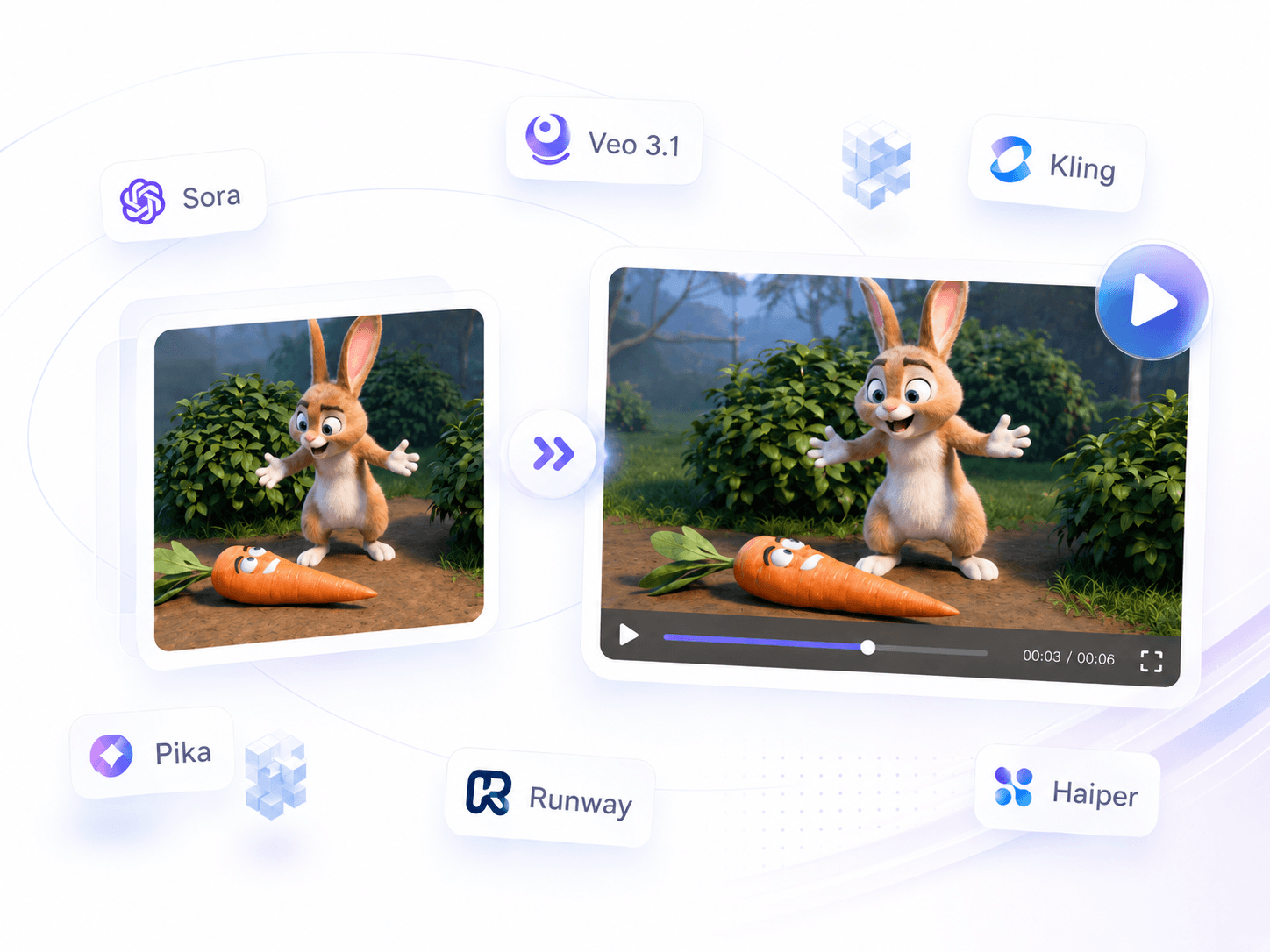
No more switching between different AI model websites. Our image to video AI generator brings popular AI video models like Veo 3.1 and Kling together in one place. Pick a model based on the video you want to make, mix things up, and see where it takes you.
Explore a Wide Range of the Latest AI Models with Image to Video AI

Create Videos with More Control from Multiple Images

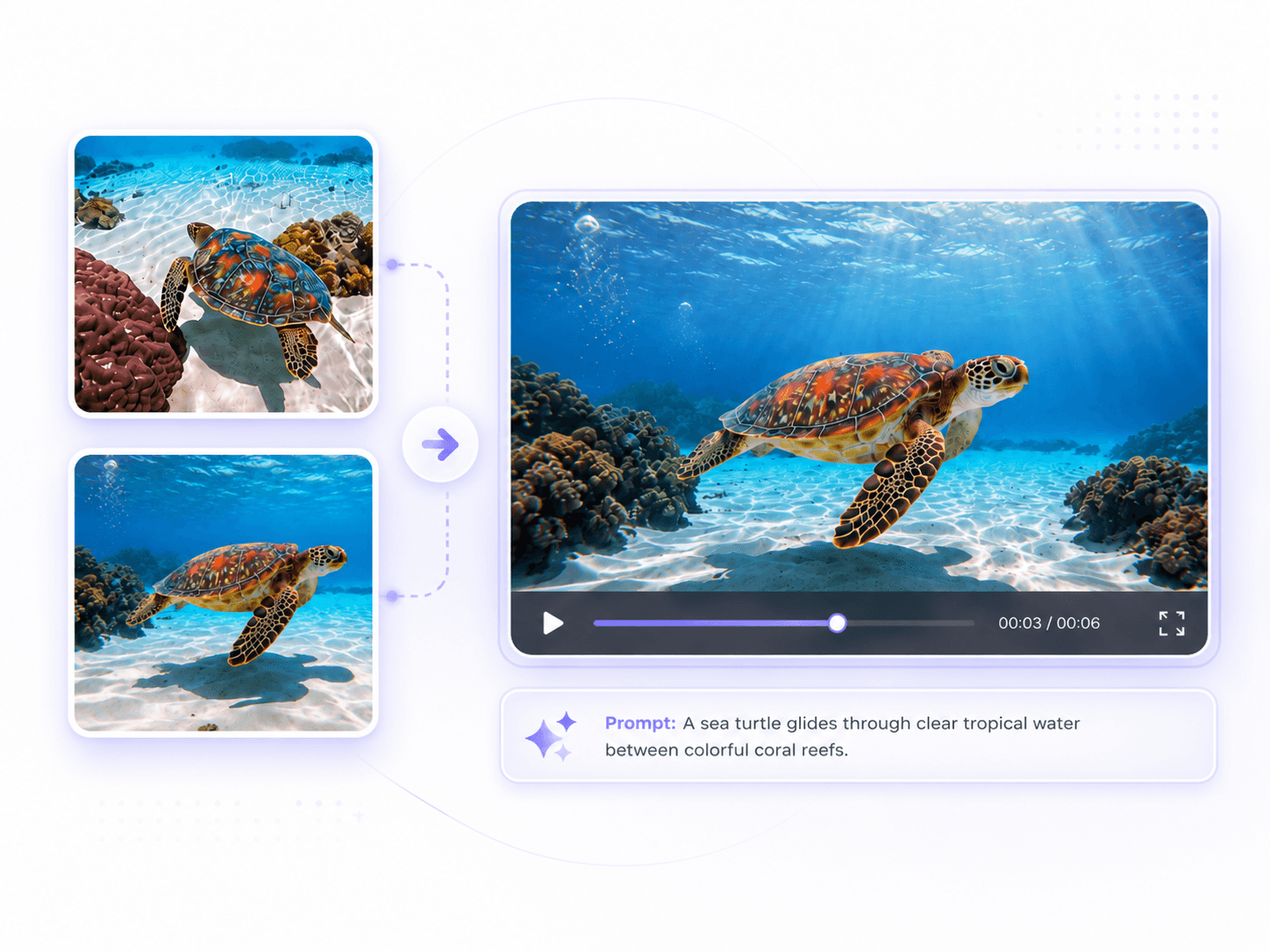
Our free image to video generator supports multiple images as references, giving AI more details to work with. For example, you can upload two images as the start and end frames, and AI will generate the changes between them. This gives you more control over the video and helps you get the result you want.

Create Videos with More Control from Multiple Images

Make More Immersive AI Videos with Voice and Sound

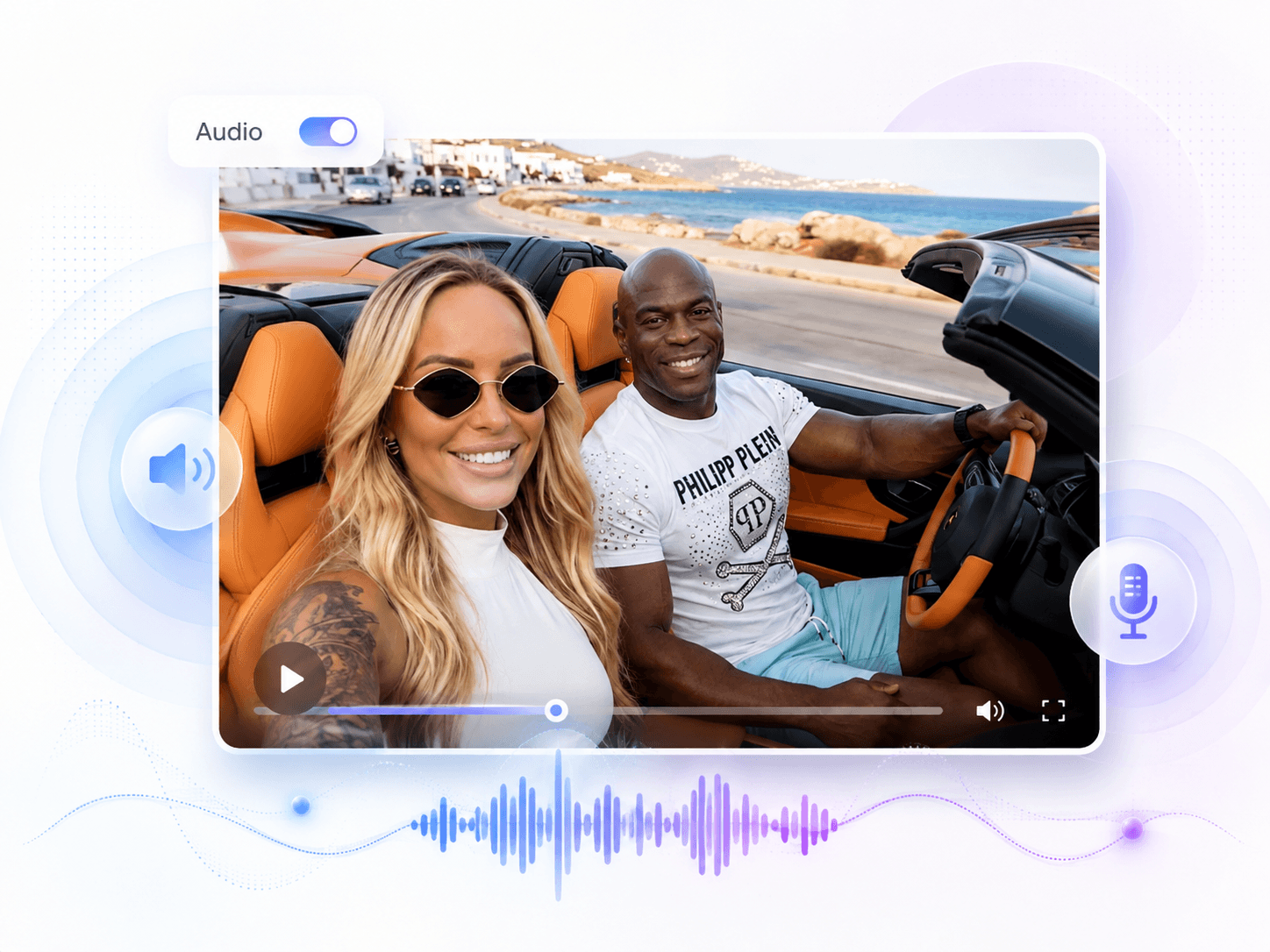
No more silent videos. Turn on the Audio switch, and our free image to video AI can add natural, fitting sounds to your video. Let characters speak, bring in ambient sounds, and make actions feel more lifelike. With the visuals and sound working together, your videos feel much more immersive.

Make More Immersive AI Videos with Voice and Sound

Turn Your Images into Videos with 100+ Ready to Use Templates

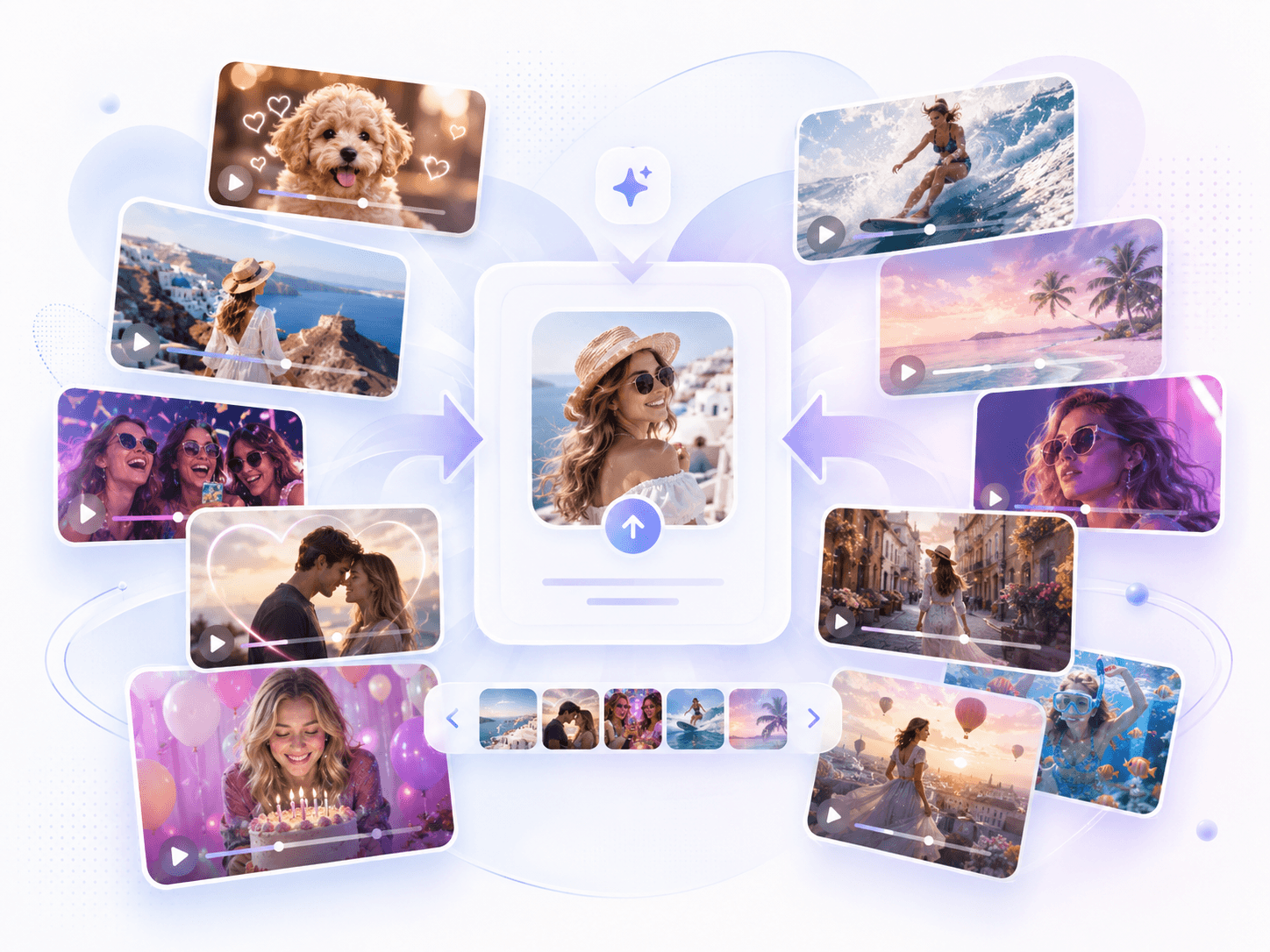
The same image can be turned into hundreds of different ideas, without spending time trying to come up with the perfect prompt. Just pick a template you like, upload your image, and see what it can do. Want to see a video of you kissing your pet? Try the AI kiss video generator and turn a still photo into a fun video in just a few seconds.

Turn Your Images into Videos with 100+ Ready to Use Templates

Simple Tips for Better Image to Video Results

Do

Leave some space around the main subject so it has room to move without going out of frame.

If the image already has a strong composition, stick to subtle camera movements like a slow zoom or pan instead of forcing dramatic camera moves.

Focus your prompt on how things should move instead of repeating details like the colors or scene already shown in the image.

For more natural-looking people, start with small movements like blinking, turning the head, or subtle facial expressions.

When generating audio, describe sounds that match what's actually happening in the scene so the audio feels in sync with the video.

Don't

Don't add major shape changes to a static product, such as stretching, twisting, or suddenly changing its form, as this can easily distort the product.

Don't make the generated movement go against the perspective of the original image, such as making an object move from a completely different angle.

Don't keep switching the camera direction throughout the same video, as it can make the footage feel jumpy and unnatural.

Don't ask a person to do too many things at once, such as turning around while walking, as the movements can easily get messy.

Don't make the foreground and background change too much at the same time, as the model may struggle to tell which elements should move.

Loved by Image to Video AI Users

Thousands of users actively use our Image to Video AI every day. Give it a try and see what you can create, then share your work with us.

G2
★★★★★
4.9 Average Rating
4802 Reviews
CONSISTENT & EASY
"I used to make videos with the AI video generator, but I'd often end up tweaking things over and over without getting a usable result. What I like about Visro AI is that I can usually get something I'm happy with after just one or two tries. The results are pretty consistent, and it's really easy to use."
Maya CollinsVideo Editor
FUN TEMPLATES
"I didn't have high expectations before uploading my photos, but after trying a few templates with image to video AI, the results were actually more fun than I expected. The kissing template is especially funny, it's great for pranking friends or making a quick video to post on TikTok."
Ethan BrooksIllustrator
LIP SYNC & SOUND
"My favorite thing to do with this AI image to video generator is make little animations where the characters can actually talk. The results sound pretty natural too. I used to create the video and voiceover separately, but now I can do both at once, which saves me quite a bit of time."
Nora MitchellContent Creator

Image to Video AI FAQs

If you have any questions while making your video, feel free to reach out to us.