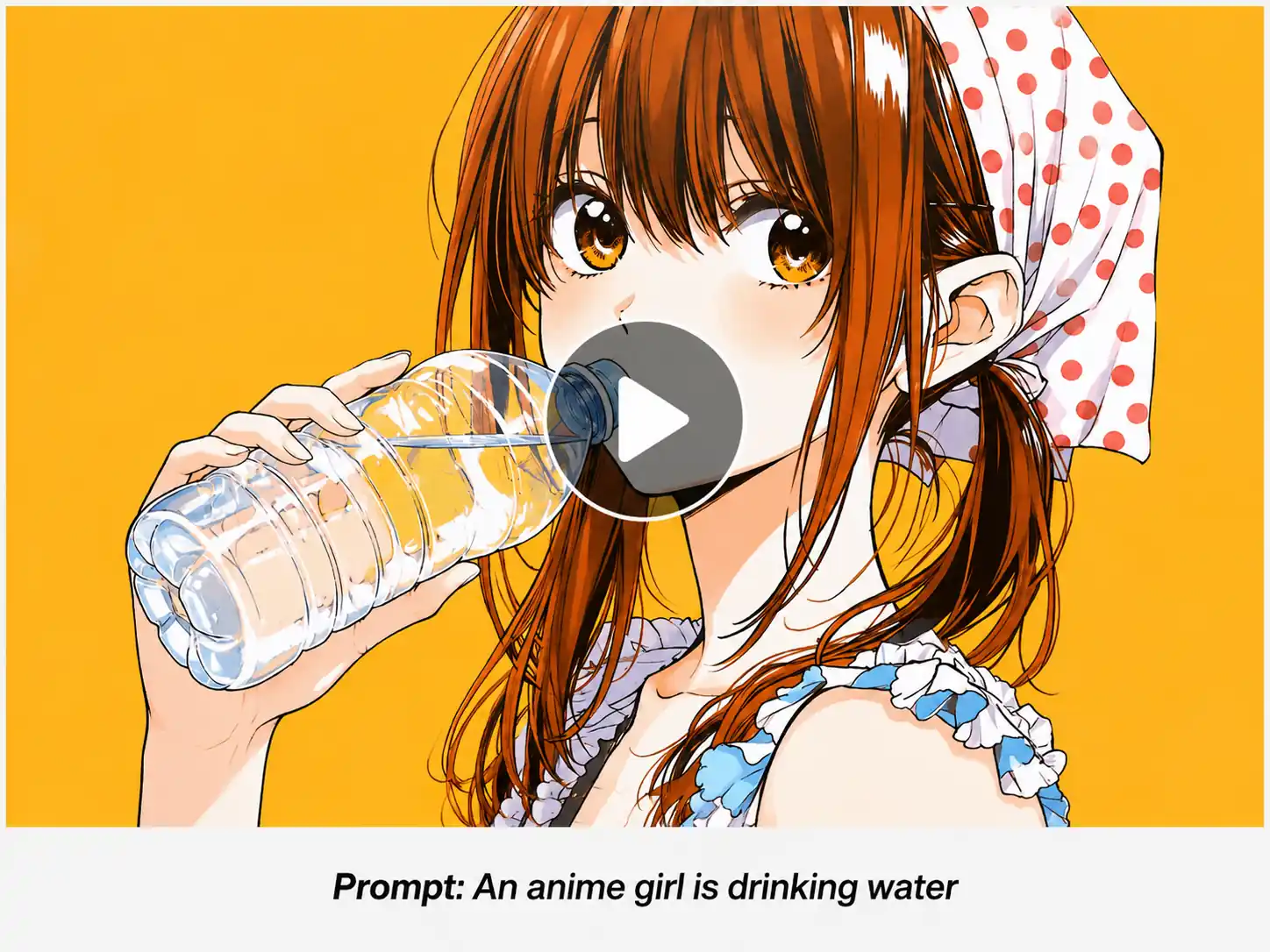
From Text to Video in Moments
Our AI text to video technology is optimized for speed. Most videos are generated in under a minute, so you can go from idea to finished video without waiting around.
 Visro AI
Convert Text to Video Online For Free
Turn your ideas into videos with flexible AI tools built for creative video generation.
Cinematic tracking shot, extreme close-up to medium shot. A detailed, sun-dappled wood carving workshop. An elderly craftsman, with a focused yet gentle smile, slowly runs his calloused fingers over the smooth surface of a newly carved, elaborate walnut wooden horse. Sunlight streams in from a large window, highlighting the texture of the wood grain and the slight dust in the air. His hands move with precision, tracing the form. The camera pulls back to reveal the full finished product and other half-carved pieces in the warm, inviting space. Photorealistic, 8k resolution, shallow depth of field, storytelling narrative.
No history yet
Our AI text to video technology is optimized for speed. Most videos are generated in under a minute, so you can go from idea to finished video without waiting around.
Shape each video to match your creative direction. Adjust available options such as visual style, aspect ratio, duration, and format before generating.
Create visually engaging videos with clear scenes, cohesive composition, and expressive motion. Get high-quality HD output in seconds.
Our AI interprets more than individual keywords. It considers how subjects, settings, actions, lighting, mood, and style work together within your prompt.
You can make videos without working with complex timelines, cameras, or editing software. Simply describe your idea and let AI handle the video generation process.
Your creative process should stay protected. All videos are generated in a secure environment designed to handle your prompts and uploaded content with care.
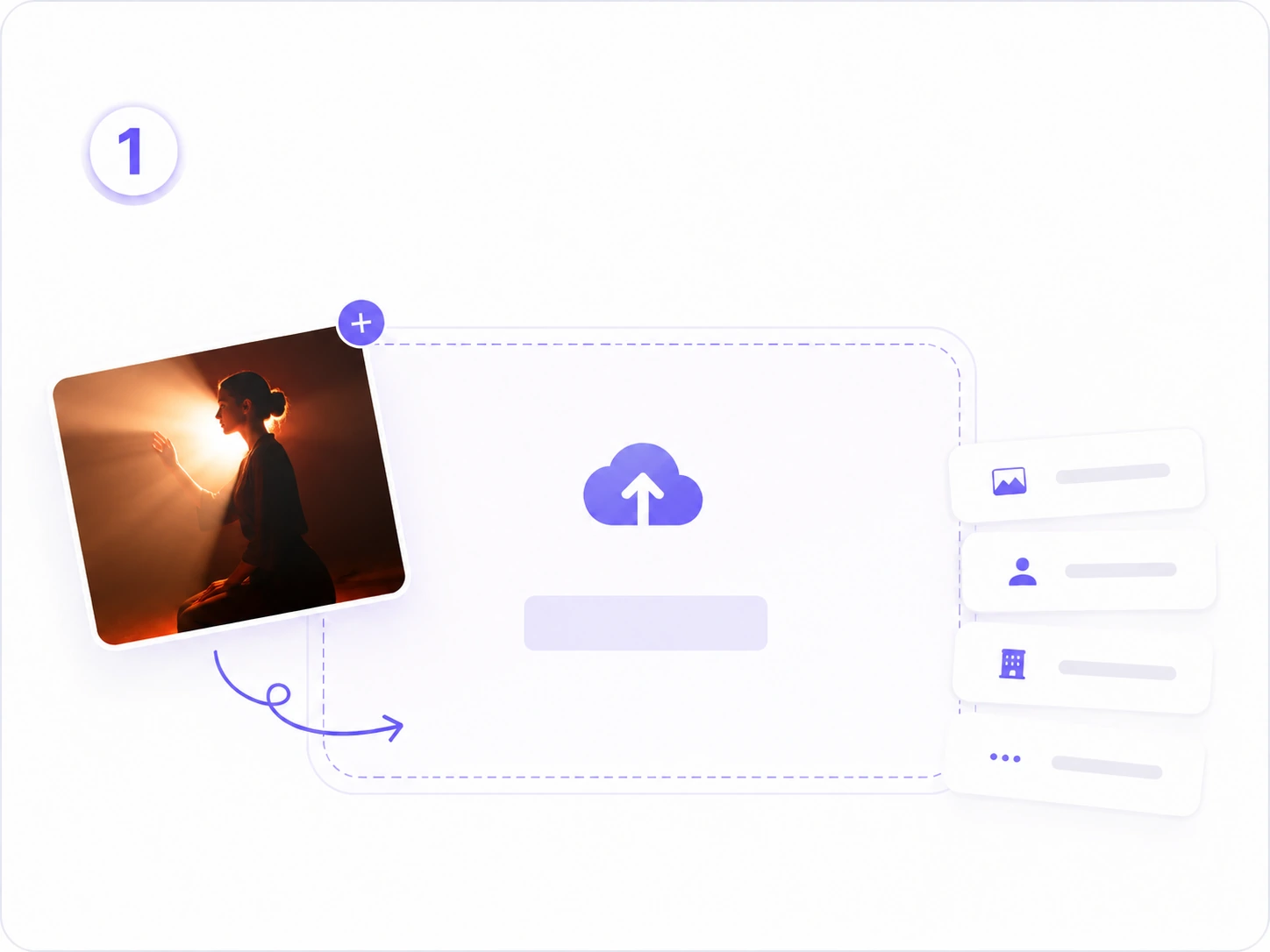
Describe Your Video Idea
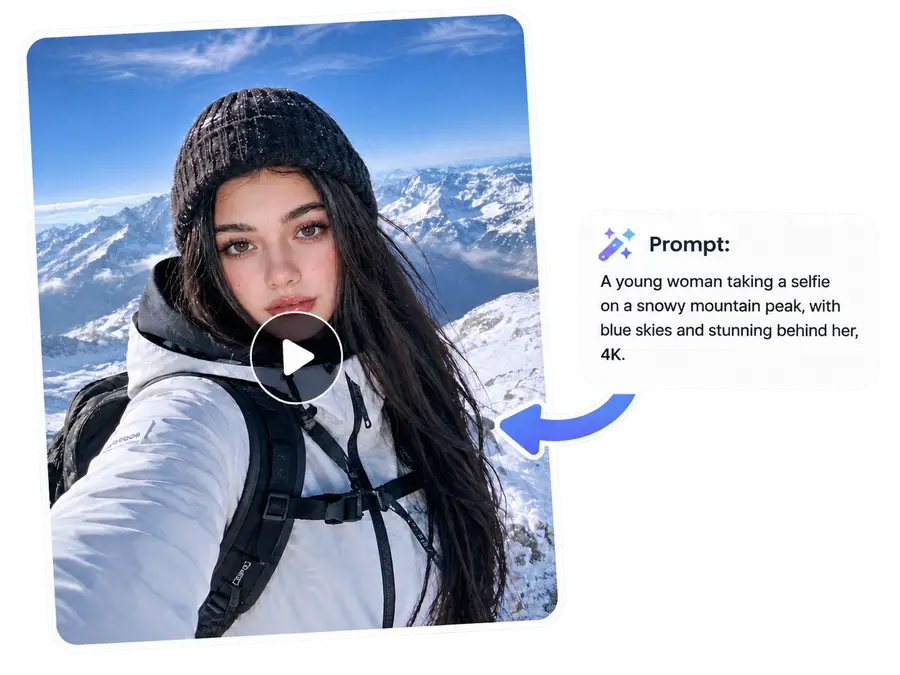
Enter a prompt that explains what you want to see. Include details such as the subject, setting, motion, lighting, camera feel, and mood for more specific results.
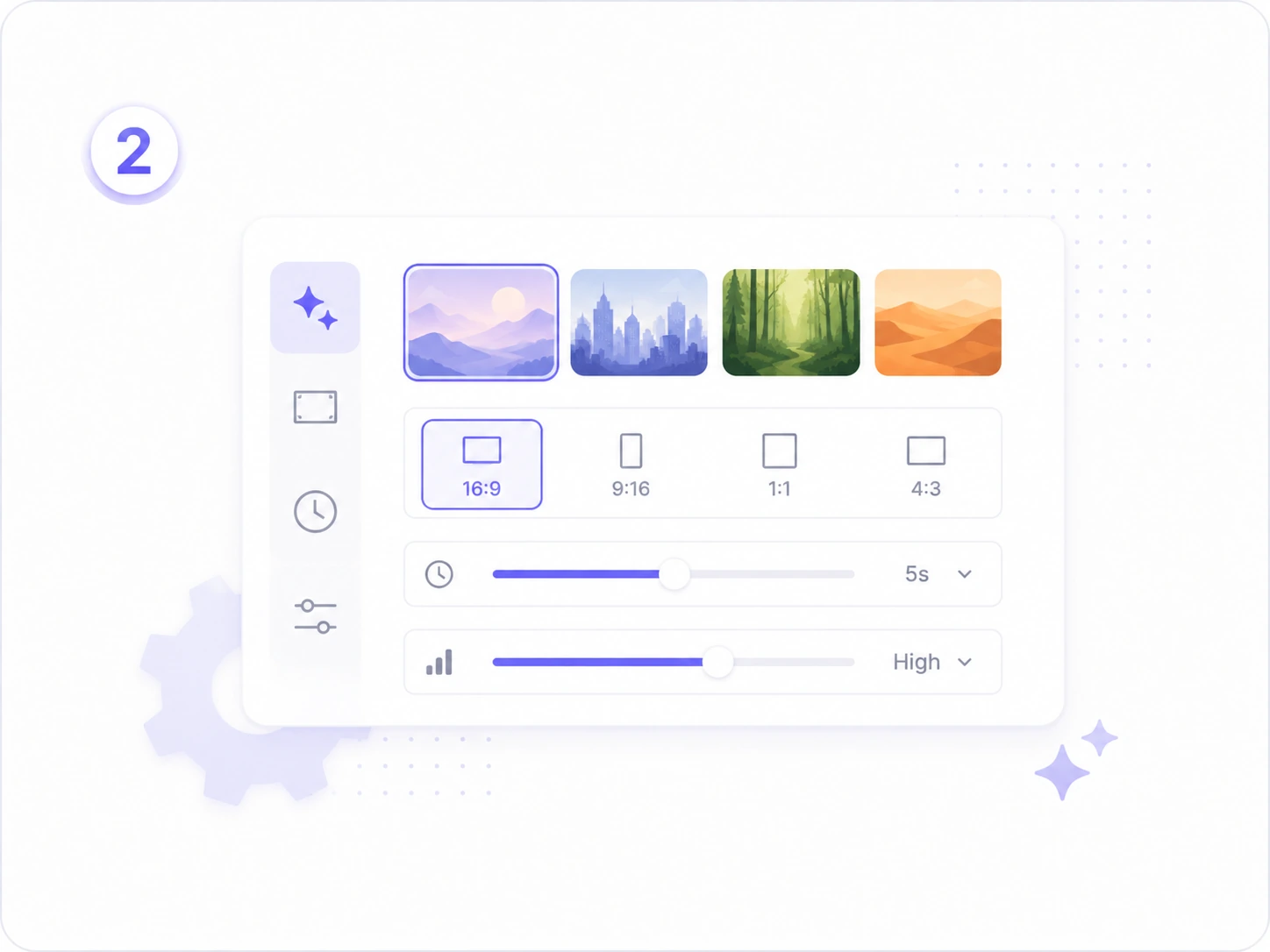
Adjust Your Settings
Customize your video settings, such as its style, aspect ratio, duration, and other available options.
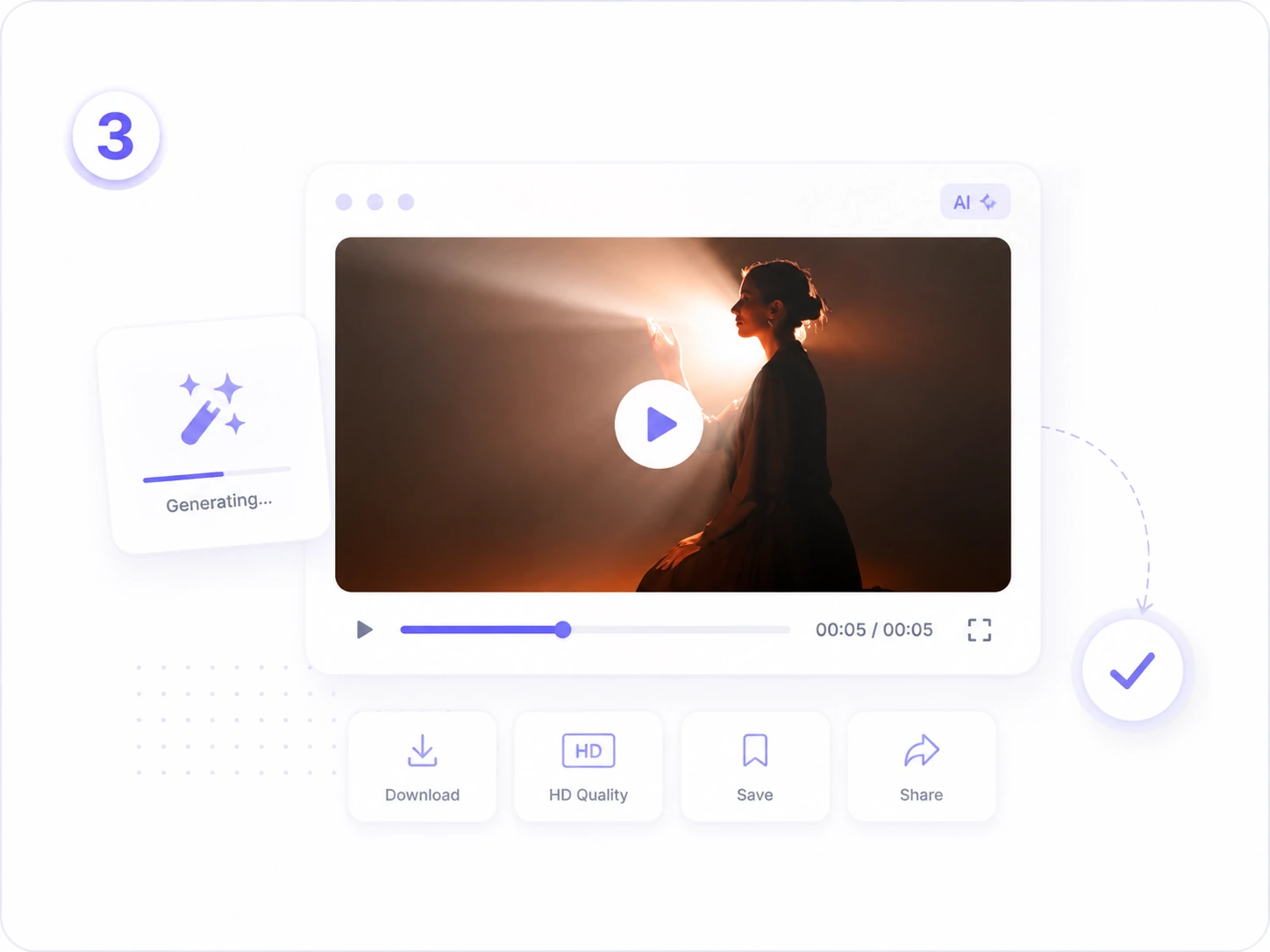
Generate with Text to Video AI
Click generate and let AI bring your words to life. Review the result and continue generating the next video.
Start with the idea in your head and explain it in your own words. You can describe a character, object, environment, action, mood, or visual direction, then our text to video generator interprets your prompt. A short idea can be enough to begin, while more details can help guide the final result toward the scene you want to create.
Try Text to Video AI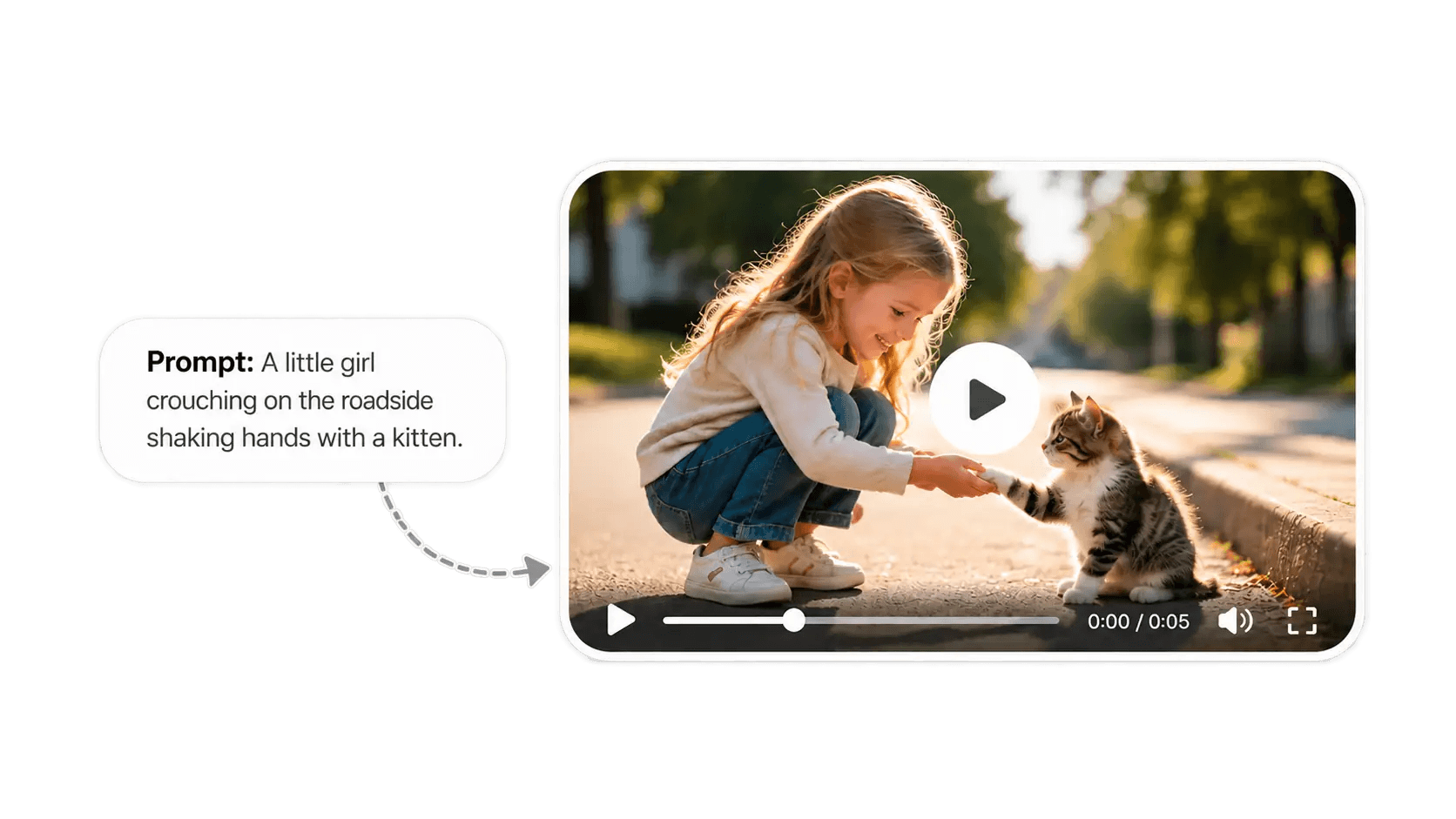
Every idea needs a different visual direction. Use the available settings to shape your text to video creation with your preferred style, aspect ratio, duration, and other generation options. Whether you want a cinematic landscape, a vertical social media video, an animated scene, or a polished product concept, you can adjust the look before creating.
Explore AI Video Creation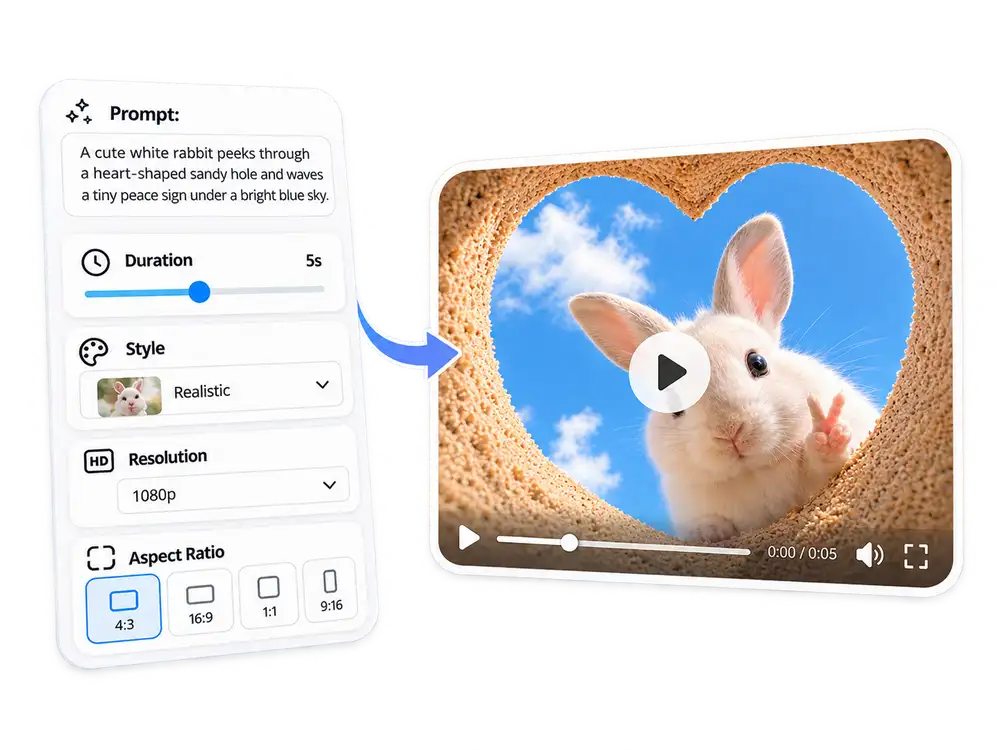
Our tool is powered by advanced AI video models trained on large-scale video and language datasets. These models understand not just individual words, but the relationships between subjects, settings, motion, lighting, and mood. When you enter a text prompt, our AI text to video technology interprets the full context and can help plan camera angles, scene composition, and temporal flow.
Describe Your Video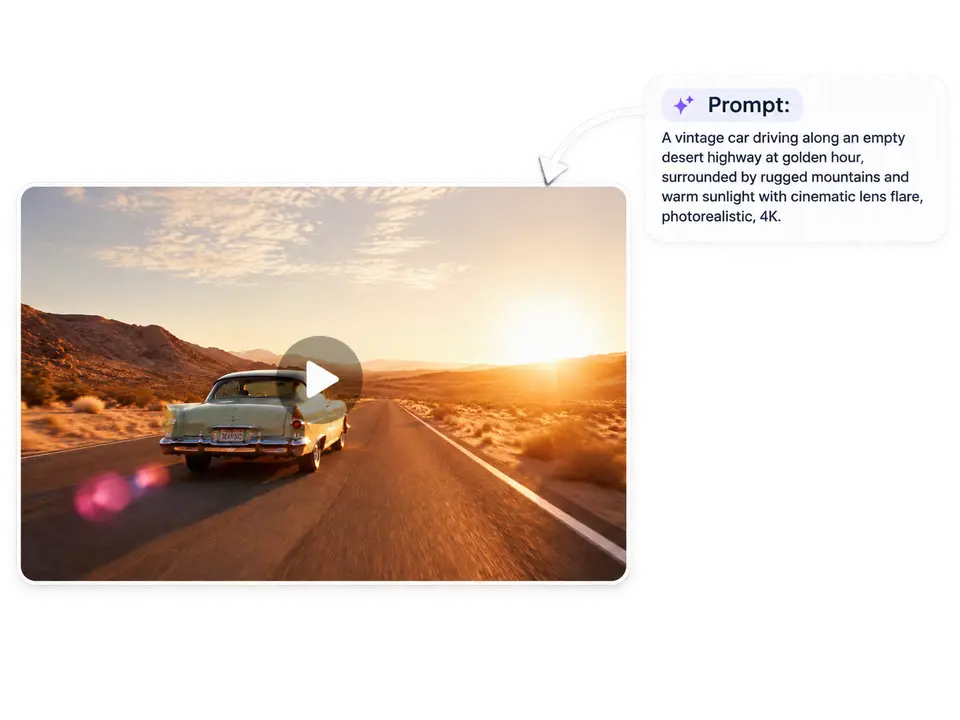
See how creators use our text to video generator to turn simple prompts into fresh video ideas, visual stories, and shareable content.
“I usually have a clear visual idea but no time to shoot or edit it. With the text to video tool, I can describe the mood and scene I want, then quickly generate a few directions to choose from. It has made content planning much faster.”
Social Media Manager
“I changed a few details in my prompt: lighting, camera movement, and style. I got completely different results. It is a simple way to test creative ideas before committing to a full video.”
Creative Director
“The best part is that I can start with a simple sentence. I have used it for story ideas, atmospheric background clips, and creative experiments. It gives me a faster starting point whenever I do not want to begin from a blank timeline.”
Digital Designer
“For product brainstorming, it is useful to see an idea in motion instead of only talking about it. I can create a quick visual concept, share it with my team, and get feedback earlier in the process.”
Brand Marketer
“I use text to video AI when I need to explain an idea before a presentation. A short generated video makes a concept easier for clients and teammates to understand than a page of notes or static images.”
Product Manager
“As a teacher, I am always looking for ways to make lessons more visual and engaging. I can turn a simple topic or story prompt into a short video concept that helps students imagine the subject more clearly.”
Educator
Curious how text to video AI works? Find quick answers, prompt inspiration, and practical tips for creating your next video.
Text to video generator uses artificial intelligence to transform written descriptions into video content. Enter a prompt describing the subject, setting, action, and style you want to see, and AI generates a visual video based on your input.
Not at all. You only need to describe your idea in text rather than working with a traditional editing timeline.
Yes. You can generate multiple versions from the same idea by refining your prompt or adjusting the available settings. Small changes to the subject, scene, lighting, motion, style, or camera direction can create a noticeably different video result.
Think for a moment before you generate. Tell AI who or what is in the scene, where it happens, what is moving, and how it should feel. Details like "soft morning light," "slow aerial shot," or "anime style" can make your prompt more vivid.
Commercial use depends on your applicable plan, the content generated, and the current Terms of Service. Before using AI-generated videos in commercial work, please review the latest usage terms and confirm that your content does not infringe on third-party rights.
You can create social media clips, visual story concepts, product videos, campaign ideas, animated scenes, atmospheric backgrounds, and other creative video content.
Video generation time depends on factors such as selected settings, video duration, prompt complexity, and current demand. Your video will begin processing after submission and will be available once generation is complete.
Yes. Visro AI supports AI image to video creation. You can use an image as a visual reference for your video, and describe the motion or scene you want to create.
AI-generated videos can vary because a prompt may be interpreted in more than one way. To refine the result, add clearer details about the subject, environment, movement, lighting, color palette, and preferred style, then generate another version.
Get started with free text to video AI and see how quickly a written idea can become a moving visual.
Turn Text to Video Now