

12 Best AI Face Swap Tools in 2026 - Tested & Compared
Author: By Jason Zhang, August 13, 2026
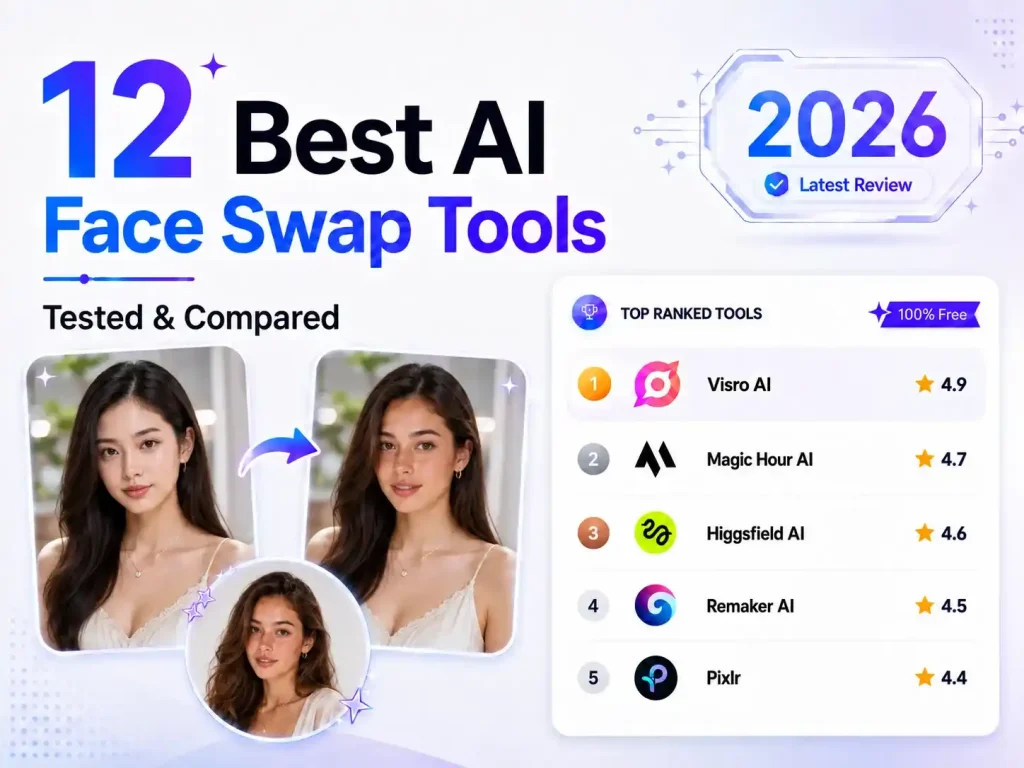
When people look for an AI face swap tool, the real question usually isn’t whether there are enough options, but which one is actually worth using. Reddit is full of discussions about this, with some people looking for free tools while others care more about the quality of video face swaps.
The differences between these tools can be pretty noticeable. Some do a good job with photos but struggle with video, while others look great but offer very limited free use.
So, we tested 12 AI face swap tools, covering most of the well-known options, and compared them based on overall experience, swap quality, free limits, and more. The goal is to see which ones are actually worth trying and which work better for specific needs.
What Makes a Good Face Swap Tool?
A good face swap isn’t just about getting the face onto the image. The result should look natural, stay stable in videos, process in a reasonable amount of time, and have fair limits for free users. When testing these AI face swap tools, we looked at a few things in particular:
- Natural-Looking Face Swaps
The face should blend naturally with the original image, including the facial features, face shape, and lighting, without obvious edges or blending issues.
- Works Well with Different Angles
Side profiles, looking down, and turned faces shouldn’t easily lead to distorted features or misplaced facial details.
- Stable Video Face Swaps
The face should stay in place as the person moves or changes expressions, without constant flickering or sudden changes.
- Reasonable Processing Time
Especially for video, you shouldn’t have to wait too long to get the final result.
- Fair Free Limits
Free credits, video length limits, and download restrictions all matter, so we compared these as well.
- Easy to Use
Uploading your files, selecting faces, and generating the result should be straightforward without much figuring out.
Quick Comparison of 12 AI Face Swap Tools
| Tool | Media Support | No Login | Speed | Ease of Use | Pricing |
|---|---|---|---|---|---|
| Visro AI | Image, Video, GIF | ✅ | Fast | Easy | 100% Free |
| Magic Hour AI | Image, Video, GIF | ❌ | Moderate | Easy | Freemium |
| Higgsfield AI | Image, Video | ❌ | Slow | Easy | Freemium |
| Remaker AI | Image, Video, GIF | ❌ | Moderate | Medium | Freemium |
| Pixlr | Image | ❌ | Fast | Easy | Freemium |
| VisionStory | Image, Video | ❌ | Fast | Easy | Freemium |
| Facy AI | Image, GIF | ❌ | Fast | Easy | Freemium |
| WaveSpeed AI | Image | ❌ | Slow | Hard | Paid |
| EaseMate AI | Image, Video | ❌ | Moderate | Easy | Freemium |
| ImagineArt | Image | ❌ | Slow | Medium | Freemium |
| Pollo AI | Image, Video | ❌ | Moderate | Easy | Freemium |
| YouCam Online Editor | Image, Video | ❌ | Moderate | Easy | Paid |
Detailed Review of the Best AI Face Swap Tools in 2026
1.Visro AI — Best for 100% Free Face Swaps with No Login
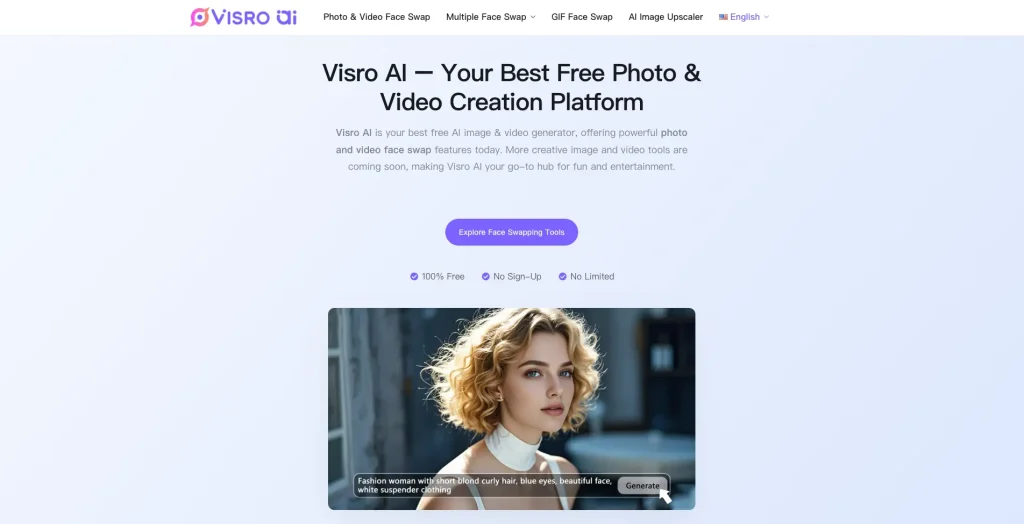
What Makes It Different
Visro AI is a relatively new AI face swap tool, and its feature set is simpler than some of the more established platforms. That’s also part of its appeal. It’s completely free, doesn’t require a login, and has no free usage limits, so you can swap as many photos as you want without worrying about running out of credits. If you only need face swaps occasionally and don’t want to sign up for an account or pay for a plan, it’s a pretty convenient option.Visro AI is a relatively new AI face swap tool, and its feature set is simpler than some of the more established platforms. That’s also part of its appeal. It’s completely free, doesn’t require a login, and has no free usage limits, so you can swap as many photos as you want without worrying about running out of credits. If you only need face swaps occasionally and don’t want to sign up for an account or pay for a plan, it’s a pretty convenient option.
Pros
- Completely free to use
- No registration or login required
- No free usage limits for image or video face swaps
- Simple to use and easy to get started
- Very fast processing, with almost no waiting time.
Cons
- The features are fairly basic, with no advanced options like batch face swap for now.
Pricing
- 100% Free to use
2.Magic Hour AI — Best for Feature-Rich Face Swaps
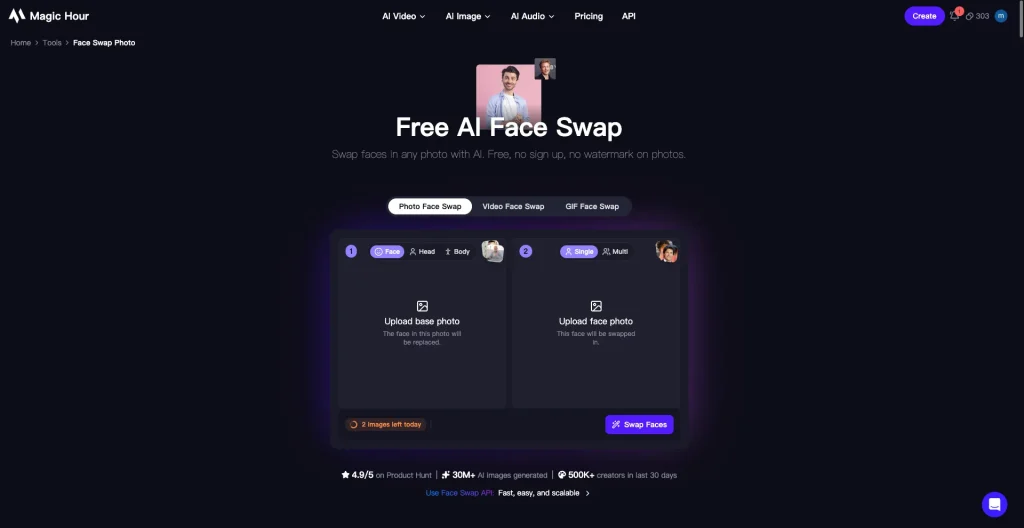
What Makes It Different
Magic Hour AI offers much more than basic face swapping. You can use it for face swaps, head swaps, and body swaps, with different versions and modes to choose from depending on what you want to create. It’s also quite generous with free users, giving you 400 free credits to try the tools. There are also ready-made face swap templates, so you can test different effects without starting from scratch.
Pros
- Rich in features, with plenty of advanced options
- Generous free allowance with 400 credits
- Ready-made face swap templates to try
- Download all generated results at once
Cons
- Free users may experience slower processing speeds
- Some downloaded images can look a little blurry.
Pricing
- Three plans available, with both monthly and yearly billing options Plans start at $12/monthThree plans available, with both monthly and yearly billing options
- Plans start at $12/month
3.Higgsfield AI — Best for a Simple Face Swap Experience
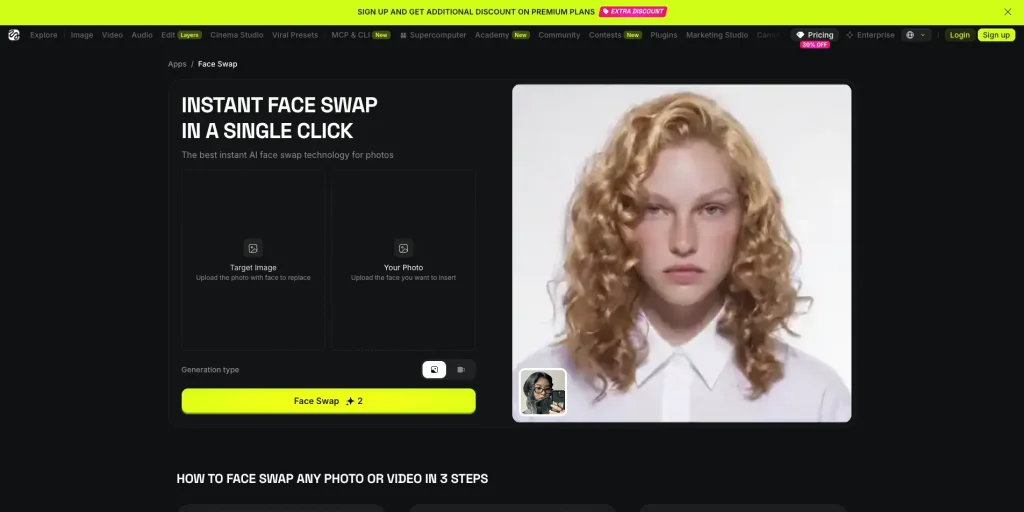
What Makes It Different
Higgsfield AI has a clean and simple face swap interface, so you can get started without much figuring out. Besides face swapping, it also offers extra editing tools like an image upscaler, so you can further improve the result after swapping and make it look clearer and more natural.Higgsfield AI has a clean and simple face swap interface, so you can get started without much figuring out. Besides face swapping, it also offers extra editing tools like an image upscaler, so you can further improve the result after swapping and make it look clearer and more natural.
Pros
- Clean interface and easy to use
- Wide range of features with support for many popular AI models
Cons
- Free usage is very limited, with only a few face swap attempts available.
- Processing can be quite slow, both when uploading and generating results.
- Generated results can’t be zoomed in or compared side by side.
- Some face swaps don’t look very natural, with differences in skin tone or facial features.
Pricing
- Individual Plans: Choose from 3 options, with prices starting at $19/month.
- Business Plans: Built for team and enterprise use, with 3 plans starting at $49/month.
4.Remaker AI — Best for Multiple Face Swap Options
What Makes It Different
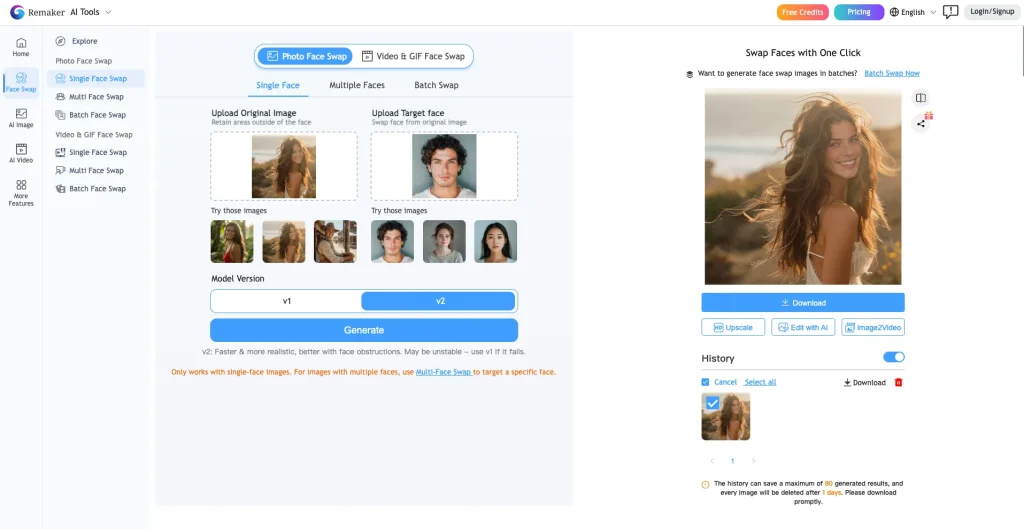
Remaker AI has a pretty wide range of face swap options. It supports single-face, multi-face, and batch face swaps, and works with images, GIFs, and videos. There are also two versions to choose from, depending on the kind of result you want. After swapping, you can upscale or edit the image, or even turn it into a video. One nice touch is that you can earn extra credits by sharing your face swap results, which makes it a good option for free users.
Pros
- Supports multiple formats, including images, GIFs, and videos, with a range of face swap options
- Offers advanced options and two different versions for different results
- Batch download is available for generated results
- Generated images can be upscaled, edited, or turned into videos
- Earn credits by sharing your face swap results
Cons
- Free users have fairly limited access, with the free version mainly covering the basic features.
- The interface feels a little outdated compared with newer face swap tools.
Pricing
- Credits are available as one-time purchases, so there’s no monthly subscription.
- Credit packs start at $9.99.
5.Pixlr — Simple Face Swaps with Built-In Photo Editing
What Makes It Different
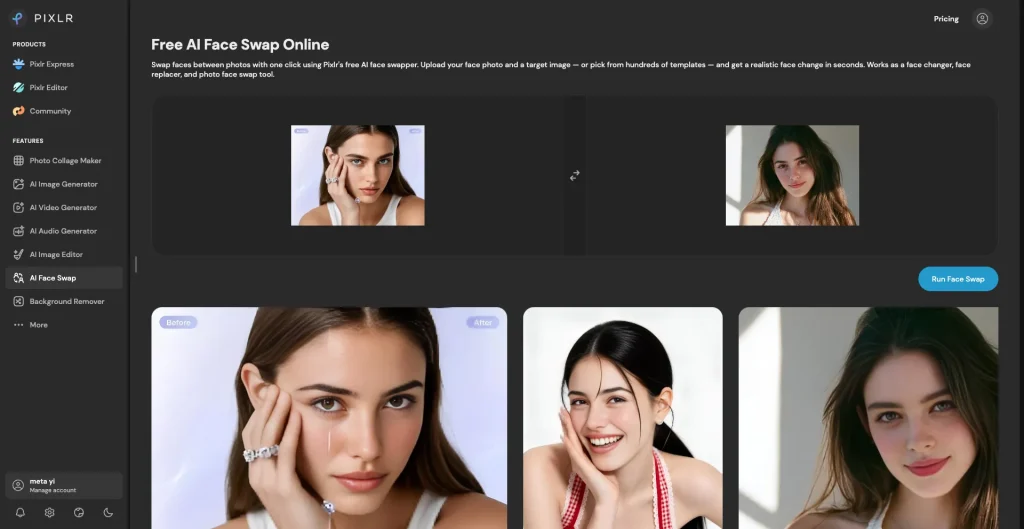
Pixlr’s face swap feature is fairly simple, as the platform is still mainly focused on image editing. The interface is clean and easy to use, and one handy feature is that you can swap the source and target images without uploading them again. You don’t see this option on many other face swap tools. The generated images are also pretty clear, so you can download them directly without needing to upscale them first..
Pros
- Simple, clean interface that’s easy to use
- Lets you swap the source and target images directly
- Good image quality, with no need to upscale before downloading
- Keeps your previous results in the history section below
Cons
- The face swap features are fairly basic, with the platform mainly focused on image editing.
- Free users get only 3 face swap attempts.
- There’s no side-by-side comparison option for images.
Pricing
- Monthly and yearly plans are both available.
- Plans start at just $1.99/month, making Pixlr one of the more affordable options in this list.
6.VisionStory — Best for Flexible and Creative Face Swaps
What Makes It Different
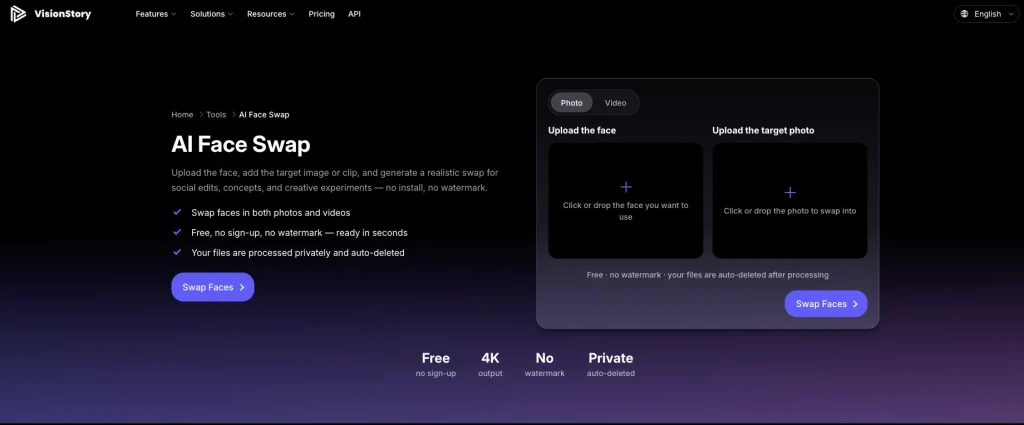
VisionStory supports both image and video face swaps. What makes it more interesting is the range of Target Image options. You can choose from a variety of ready-made templates, upload your own image, or even use a prompt to generate the Target Image you want. Once the face swap is done, you can also turn the result into a video, giving you more ways to play around with the result.VisionStory supports both image and video face swaps. What makes it more interesting is the range of Target Image options. You can choose from a variety of ready-made templates, upload your own image, or even use a prompt to generate the Target Image you want. Once the face swap is done, you can also turn the result into a video, giving you more ways to play around with the result.
Pros
- A wide range of Target Image templates to choose from
- Generate Target Images with a prompt
- More ways to use the results, including turning them into videos
Cons
- Free users have fairly limited access.
- Although 10 free credits are included, a subscription is still required to use the face swap feature.
Pricing
- Monthly and yearly plans are available.
- Plans start from as low as $8.25/month with the annual plan.
7.Facy AI — Best for Fast Face Swaps with Multiple Formats
What Makes It Different
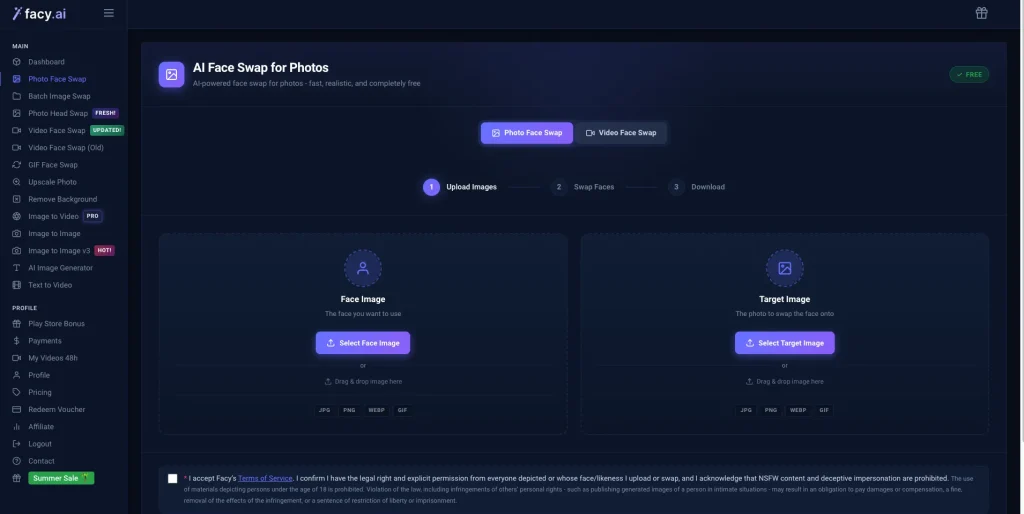
Facy AI supports a range of formats, including JPG, PNG, GIF, and WEBP, giving you more flexibility when uploading images. The interface is simple, and the face swap process is fairly quick, with little waiting between uploading and getting the result. Free users also get a limited number of face swaps to try out the tool.
Pros
- Supports a range of formats, including JPG, PNG, GIF, and WEBP
- Fast processing with little waiting time
Cons
- WEBP images don’t display properly after uploading
- The face swap results can look less natural, with some noticeable blending
- There’s no history section, so it’s difficult to view previous results
Pricing
- Monthly and yearly plans are available.
- Plans start from €12.99/month.
8.WaveSpeed AI — Best for Natural-Looking Face Swaps
What Makes It Different
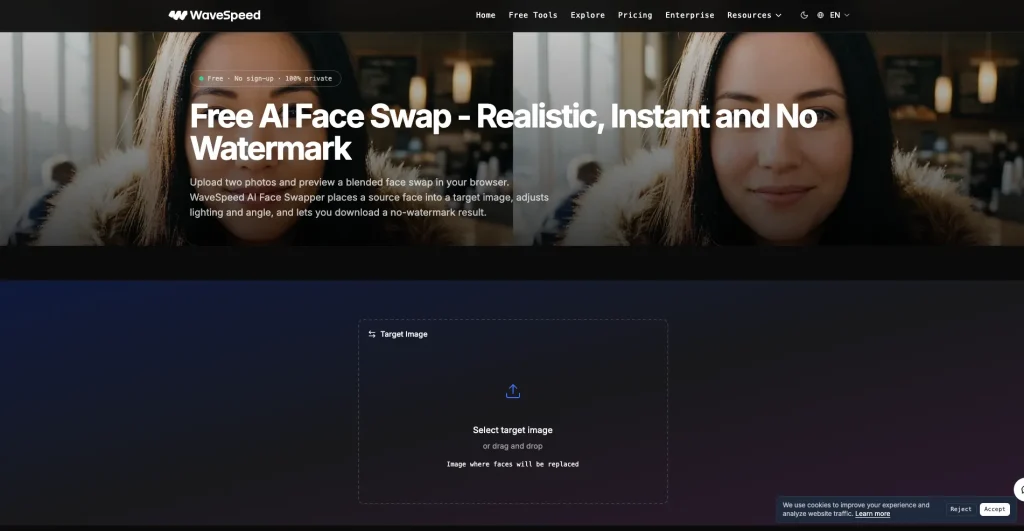
WaveSpeed’s face swap process is a little different from most tools. You need to upload the Target Image first and wait for it to be processed before you can upload the Source Image. One useful feature is that you can choose the output format for the final result. It supports JPEG, PNG, and WEBP, regardless of the format of the original image.WaveSpeed’s face swap process is a little different from most tools. You need to upload the Target Image first and wait for it to be processed before you can upload the Source Image. One useful feature is that you can choose the output format for the final result. It supports JPEG, PNG, and WEBP, regardless of the format of the original image.
Pros
- The face swap results look fairly natural
- You can choose the output format, with support for JPEG, PNG, and WEBP
Cons
- Processing can be slow, with a longer wait time
- The face swap process is a little different and takes some time to get used to
- The interface has a lot of information, which may take some time for new users to get familiar with
Pricing
- Pay-as-you-go pricing based on the model and generation volume.
- Image generation starts at $0.005/image, while more advanced models can cost up to $0.14/image.
- Video generation is charged by the second, with prices varying by model.
9.EaseMate AII — Best for Flexible Face Swap Access
What Makes It Different
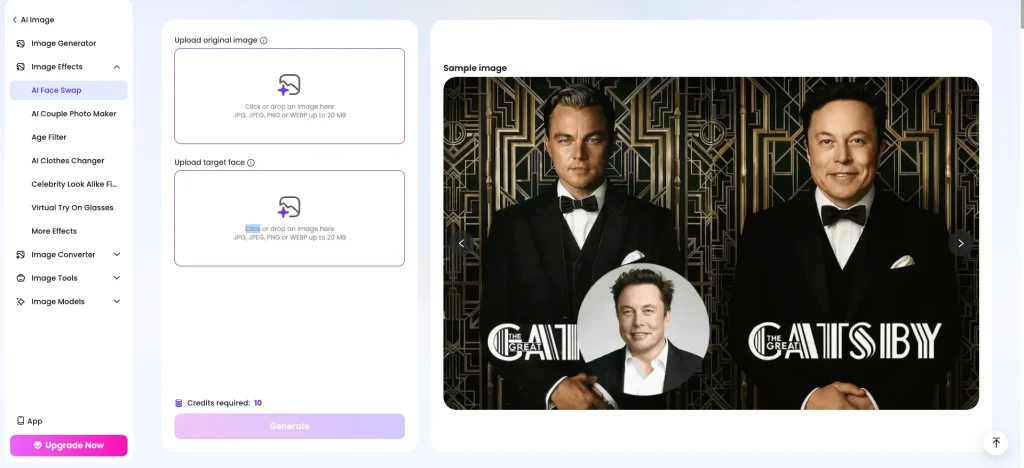
Easemate AI is available not only on the web but also through an app and Chrome extension, giving you more flexibility in how you use it. The face swap process is also straightforward, so you can choose whichever platform works best for you.
Pros
- Available on the web, app, and Chrome extension
- Can be used across different devices and situations
- Simple to use with a straightforward face swap process
Cons
- Free users have limited access.
- You need to log in regularly to earn Credits. You get 5 Credits on the first day, and each face swap costs 10 Credits, so the first day’s Credits aren’t enough for one face swap.
Pricing
- Subscription plans start at $8.90/month.
- One-time credit packages start at $4.90, with 500 Credits available for up to 50 image face swaps.
10.Imagine Art — Best for More Ways to Edit and Reuse Face Swap Results
What Makes It Different
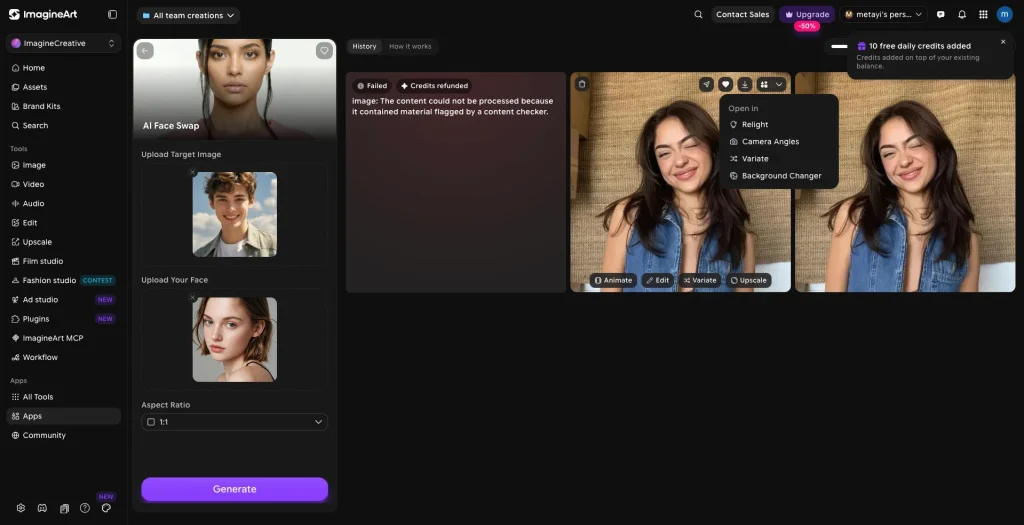
ImagineArt doesn’t stop at the face swap. It keeps your previously uploaded images, so you can reuse them later without uploading them again. You can also choose different output resolutions and continue editing the result with tools like Edit, Animate, Upscale, or background replacement. You can save any results you like and use them again later.ImagineArt doesn’t stop at the face swap. It keeps your previously uploaded images, so you can reuse them later without uploading them again. You can also choose different output resolutions and continue editing the result with tools like Edit, Animate, Upscale, or background replacement. You can save any results you like and use them again later.
Pros
- Keeps your previously uploaded images, so you don’t need to upload them again
- Lets you choose from different output resolutions
- You can Edit, Animate, Upscale, or change the background after generation
- Lets you save the generated results you like
Cons
- Processing can be slow, with a longer wait time
- Free users have fairly limited access
- No face swap templates are available
Pricing
- Monthly, quarterly, and yearly plans are available.
- Plans start at $9/month.
11.Poll AI — Best for Privacy-Focused Face Swaps
What Makes It Different
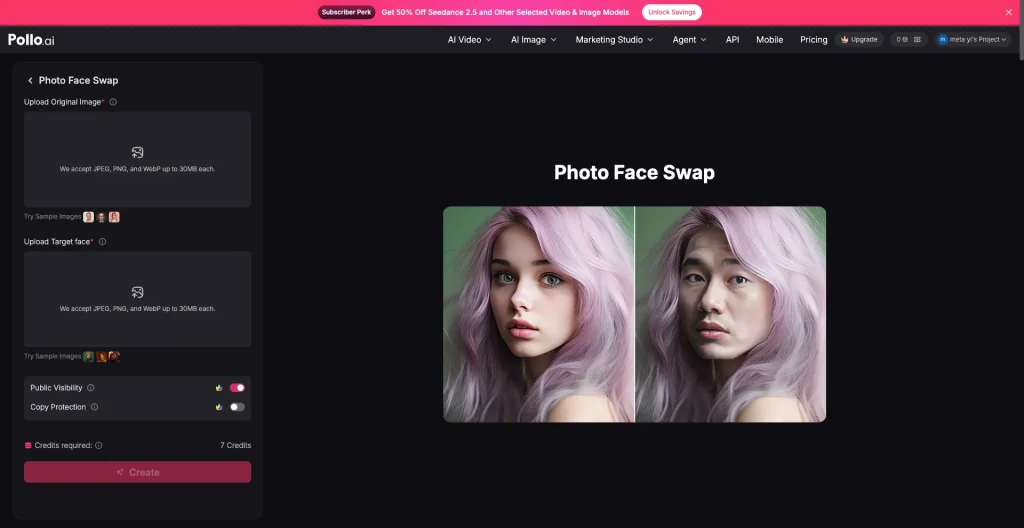
Pollo AI puts more focus on privacy when it comes to face swaps. You can control whether your generated content is publicly visible, and it also offers Copy Protection to keep your uploaded images, videos, audio, and prompts from appearing in the community.
Pros
- Offers privacy options like Public Visibility and Copy Protection
- Provides a range of face swap templates
- Lets users earn Credits by inviting friends
- Available with both monthly and yearly plans
Cons
- Free users have fairly limited access
- Face swap results can depend heavily on the quality of the uploaded images
Pricing
- Monthly and yearly plans are available
- Plans start at $10/month
- Free users can earn 50 Credits by inviting a friend
12.YouCam Online Editor — Best for Fun Face Swap Templates
What Makes It Different
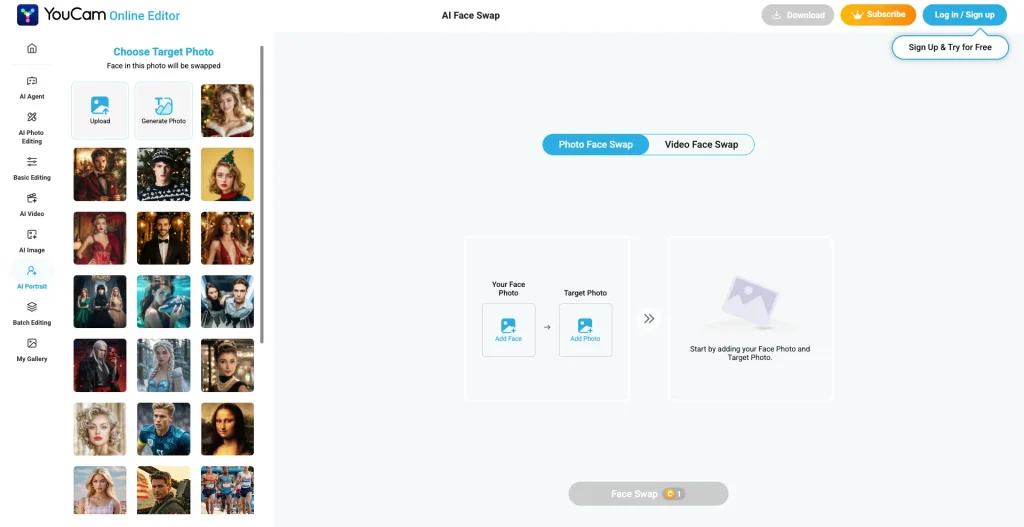
YouCam Online Editor stands out for its fun and varied face swap templates, including popular movie scenes and classic images rather than just the usual face swap content. You can also create your own images instead of using the ready-made templates, and the results are pretty good. Another nice touch is that it provides tips when uploading an image, helping you choose the right type of photo for a better result.
Pros
- Offers a wide range of fun face swap templates, including popular movie scenes and classic images
- Lets you create your own images for more flexibility
- Provides clear tips and image requirements when uploading photos
Cons
- Free users have fairly limited access
- The face swap features are relatively limited, with support for images and videos only
Pricing
- Two plans are available: Plus and Pro
- Both plans offer monthly and yearly billing, with prices starting at $3.33/month
Conclusion
After testing these tools myself, I don’t think choosing an AI face swap tool is simply about picking the one with the most features. Many tools offer plenty of advanced options, but if you just want to do a quick face swap, having too many settings and restrictions can make the whole process more complicated than it needs to be. Sometimes, a tool that you can open and use right away, without constantly worrying about running out of credits, is simply more practical.
That’s where I think Visro AI has an advantage. It doesn’t try to pack in a lot of complicated features. Instead, it keeps the face swap process simple and straightforward. For people who don’t use AI tools regularly, or just want to try a few photos or videos, that kind of simple experience can make a real difference.
Of course, if you need more advanced features, tools like Magic Hour AI and Remaker AI may be a better fit. And if you’re more interested in templates and creative effects, there are other options worth trying. But if you’re looking for an AI face swap tool that doesn’t require registration, doesn’t make you worry about credits, and is ready to use whenever you need it, I’d recommend starting with Visro AI.