

Free Multiple GIF Face Swap Online

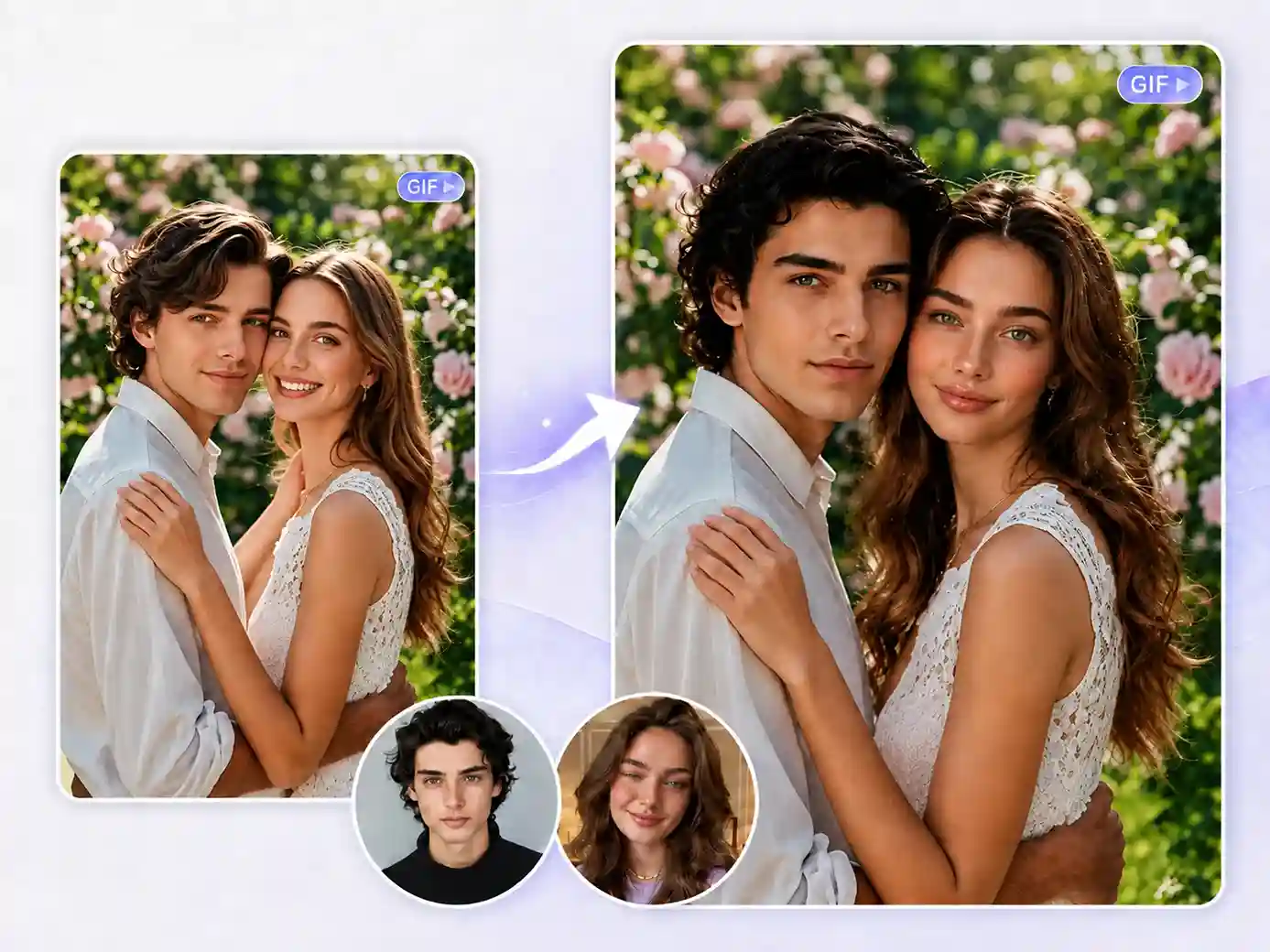
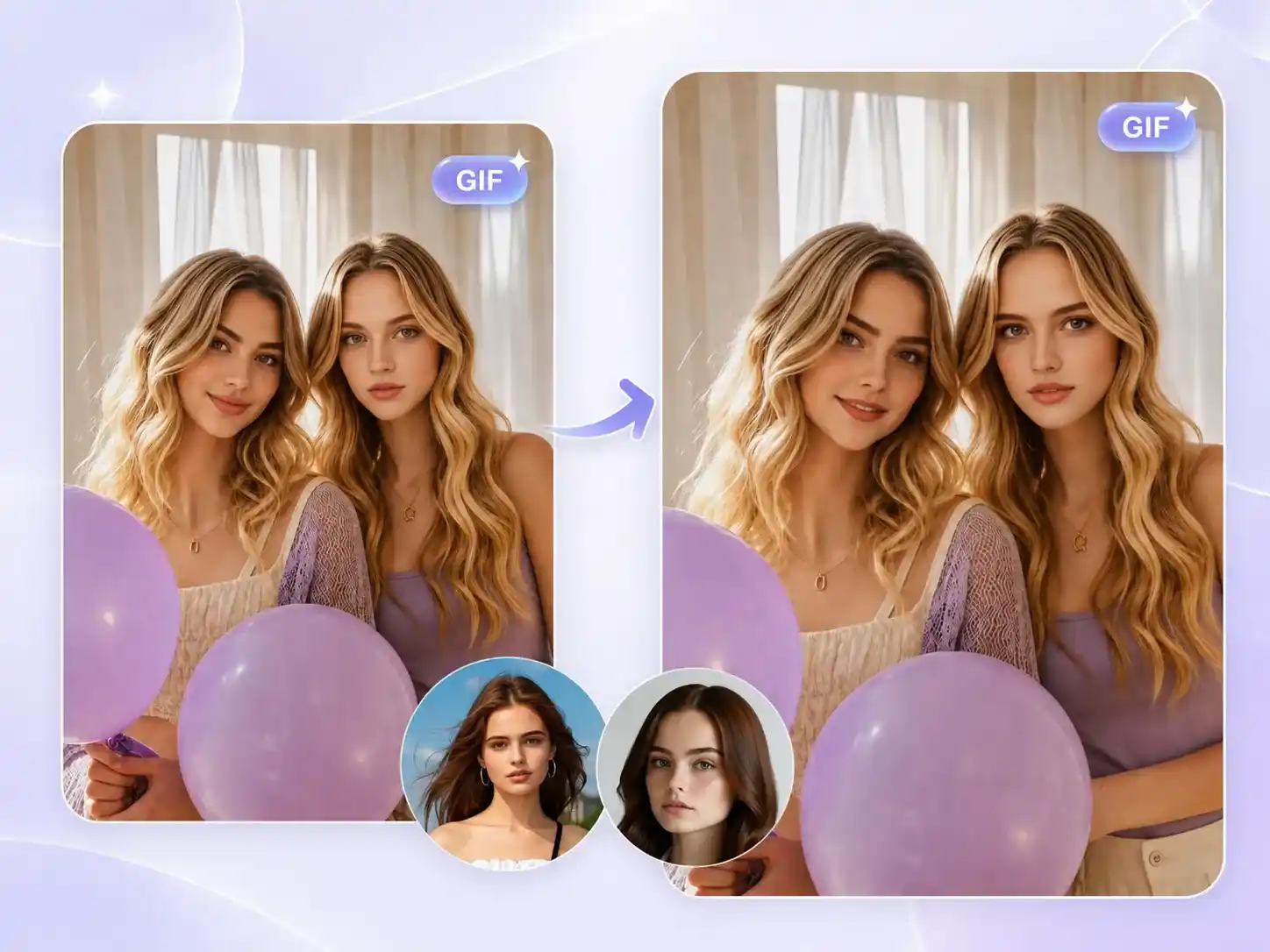
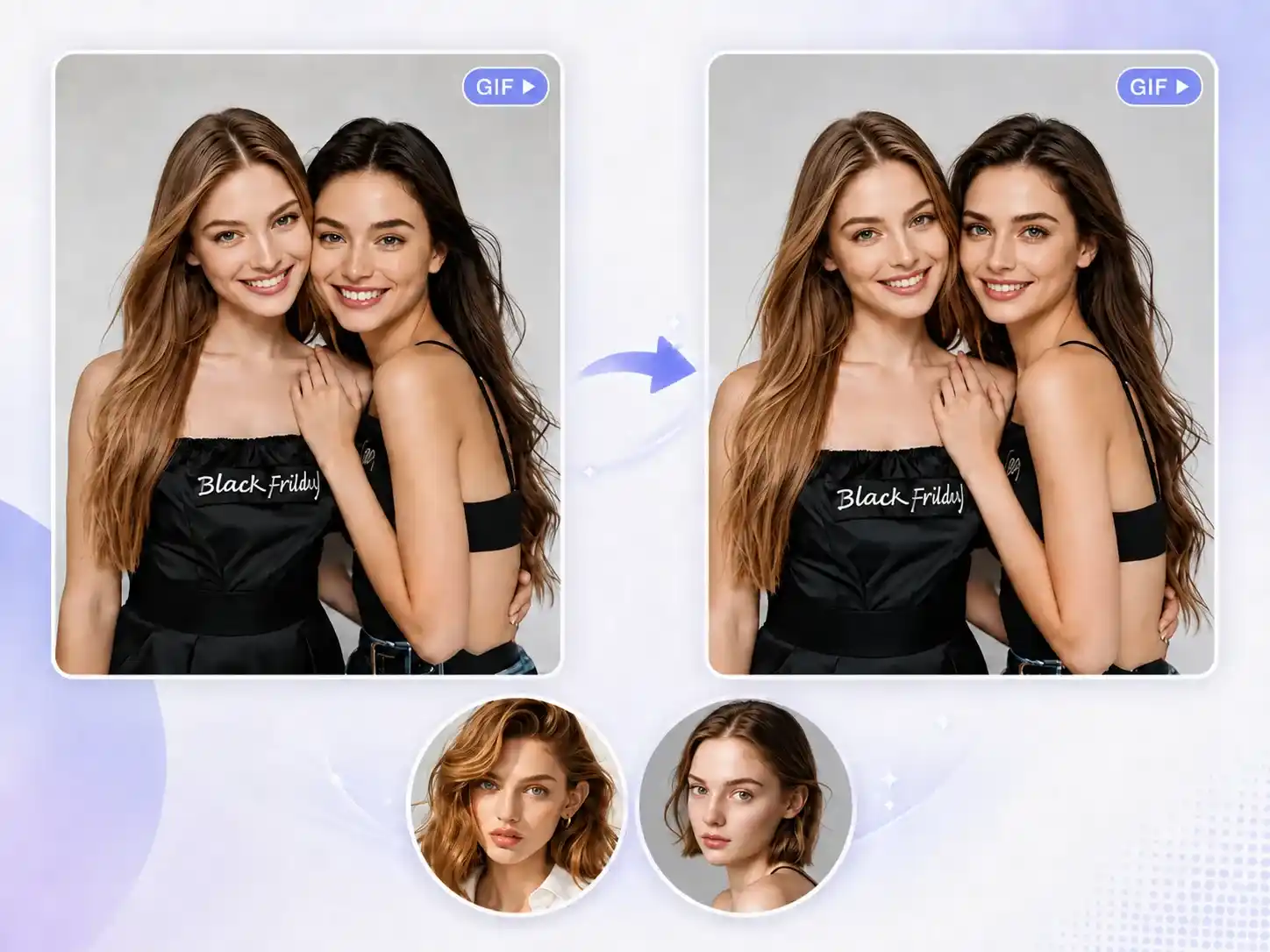
Need to swap multiple faces in a GIF? Traditional GIF face swap tools often struggle with group GIFs. Try our free multiple GIF face swap tool to detect all faces automatically, replace them seamlessly, and deliver natural, realistic results across every frame.
Swap Multiple Faces in GIFs Online
Advantages
Six Key Features of Our Multiple Face Swap GIF Tool
A great multiple face swap GIF is more than just replacing faces. These six key features help keep every frame natural and make the creation process easier.
1. Swap Multiple Faces at Once
Replace multiple faces in your GIF in one go. From 3 faces to 6 faces, all detected faces can be swapped smoothly.
2. HD & Natural Results
Keep the original GIF quality and facial details. Avoid blurry results or obvious face blending issues after swapping.
3. Smooth GIF Frame Transitions
No need to worry about broken frames or unnatural changes. The face swap stays smooth and consistent throughout the GIF.
5. Preserve Original Expressions
Keep the original expressions and emotions after swapping. The new faces blend naturally instead of looking stiff or out of place.
6. Fast & Unlimited
Generate your GIF in just a few seconds, even when swapping multiple faces. No login required, with no usage limits.
7. 100% Privacy Protection
Your images are only used to create the face swap effect. They are never publicly displayed or used for other purposes.
Create Fun Group Memes with Multiple GIF Face Swap
Single-face swaps work well for simple GIF edits, but they can feel limited when a meme depends on the interaction between multiple people. With multiple face swap GIF tool, you can swap faces across multiple characters in the same GIF, making every person part of the joke and creating more engaging group memes.
Swap Multiple Faces in Movie Clips at Once
Movie clips are often memorable because of the interactions between multiple characters, and replacing only one face can limit the overall effect. With multiple GIF face swap tool, you can swap multiple characters at once, giving classic dialogues and story reactions a completely different feel.
Swap More Faces in Less Time Than GIF Face Swap
When using GIF Face Swap to replace multiple faces, you usually need to process each person one by one, and the editing time increases as more faces are added. With multiple GIF face swap, multiple faces can be handled in the same workflow, allowing you to swap more characters within a similar amount of time.
How it works
Swap Multiple Faces in Your GIF in 3 Simple Steps
Tips
Tips to Get the Best Face Swap Results for GIFs
Multiple GIF face swap tool matters, but the files you upload also play an important role in the final result. Follow these simple tips to create more natural-looking face swap GIFs.
Hear from Our Multiple Face Swap GIF Users
I've used several face swap tools, and the hardest part was always keeping the result natural in a moving GIF. This multiple GIF face swap tool does a great job keeping each frame consistent, while the original expressions and movements still feel natural.
Help Center
Multiple GIF Face Swap FAQs
Quick answers to common questions about our multiple face swap GIF tool. Can't find what you're looking for? Feel free to contact us.
What is a multiple GIF face swap tool?
Unlike a regular GIF face swap tool, multiple GIF face swap lets you replace multiple faces in a GIF at once, without having to edit each person separately. It works especially well for group photos, chat memes, and other GIFs with multiple people.
How many faces can I swap in one GIF?
Currently, our multiple GIF face swap tool supports up to 3 faces. Based on user needs and usage feedback, we plan to gradually increase this limit to around 10 faces in the future.
Will the GIF quality be reduced after face swapping?
No. Our multiple face swap GIF tool preserves the original GIF quality as much as possible and keeps the face swap effect natural and smooth.
Is the multiple GIF face swap tool free to use?
Yes. Our multiple face swap GIF tool is completely free to use, and no login is required.
Are my uploaded files safe?
Yes. Your uploaded files are only used to create the face swap effect and are not publicly displayed or used for other purposes.
Can I use the generated GIFs for commercial purposes?
Yes. You can use the generated GIFs commercially, as long as you have the rights to the original content.
Is there a size limit for uploaded GIFs?
Yes. You can upload GIF files up to 30GB in size. For the best multiple GIF face swap experience, we recommend using GIFs with clear faces and good quality.