

Free AI Image Upscaler — Enhance Photo Details Online
Instantly enhance your photos with our AI image upscaler. One click sharpens details, boosts resolution, and upscales to 4K or 8K.
Free, online, and no login required. Turn low-res photos into stunning, crystal-clear visuals instantly.
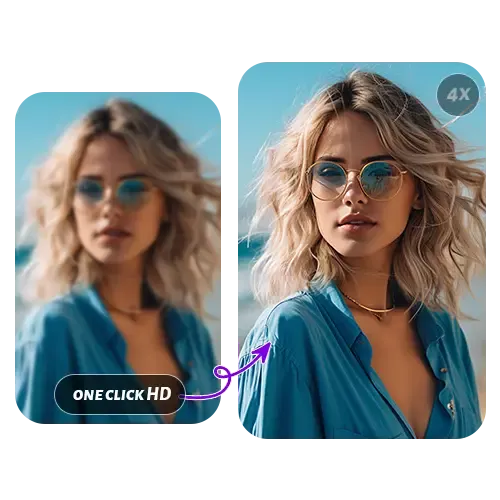
Upload and Enhance Your Photos
Ready to see the results? Upload any image and instantly sharpen details, boost resolution, and upscale like a pro — all in your browser.
Features
What Are Features of AI Image Upscaler?
Bring your photos to life with our AI image upscaler. Enhance clarity, restore true colors, and fine-tune your images right in your browser. You can even upscale multiple photos at once, saving time and effort.
More Than Just Size Upcscale, AI Enhances Photo Details
Enhance stunning 4K-quality images while preserving the original color tone and fine details. Perfect for printing, digital design, or professional display, your visuals always stay true to life.
AI Image Upscaler with Built-in Image Editor
Upscale and fine-tune your photos in one place. Adjust colors, sharpen details, and edit images seamlessly without leaving your browser.
Batch image Upscaling Online with AI
Save time by processing multiple images at once. Our AI-powered batch upscaler delivers high-resolution, detailed results for dozens or hundreds of images in seconds.
Advantages
What Makes Our AI Image Upscaler Different?
Upgrade your photos and instantly transform low-quality images for social media, prints, or digital projects, and make every shot look polished and professional.
Fast Processing
Upscale images in 10s, supports PNG, JPG, HEIC.
Cross Platform & User Friendly
Use it smoothly across web, desktop, and mobile.
Simple to Use
Upload, click, and enhance — that’s all it takes to get stunning results.
Completely Free
No sign up or fees, enjoy unlimited AI image upscaling anytime.
Ultra Clear 4K Quality
Achieve crystal-clear, lossless image upscaling that preserves every detail.
Privacy & Security
Your images are encrypted and automatically deleted after 24 hours to ensure full protection.
How To
How to Use the AI Image Upscaler Online
Learn how to enlarge photos and boost image quality with the free AI Image Upscaler, all without signup or watermarks, for instant clarity.
Step 1 – Upload Your Image
Drag and drop your image into the AI Image Upscaler. Choose your preferred scale, then click “Start” to begin processing. Once finished, preview and download the upscaled image.
Step 2 – Choose the Upscale Level
Select your preferred upscale ratio and click “Start AI Upscaling.” The system will automatically process and upscale your image to the chosen resolution.
Step 3 – Preview and Download
Once the upscaling is finished, you can preview the enhanced image alongside the original. If it looks good, simply click “Download” to save your high-resolution image instantly.
User Cases
Restore Old Photos to 4K
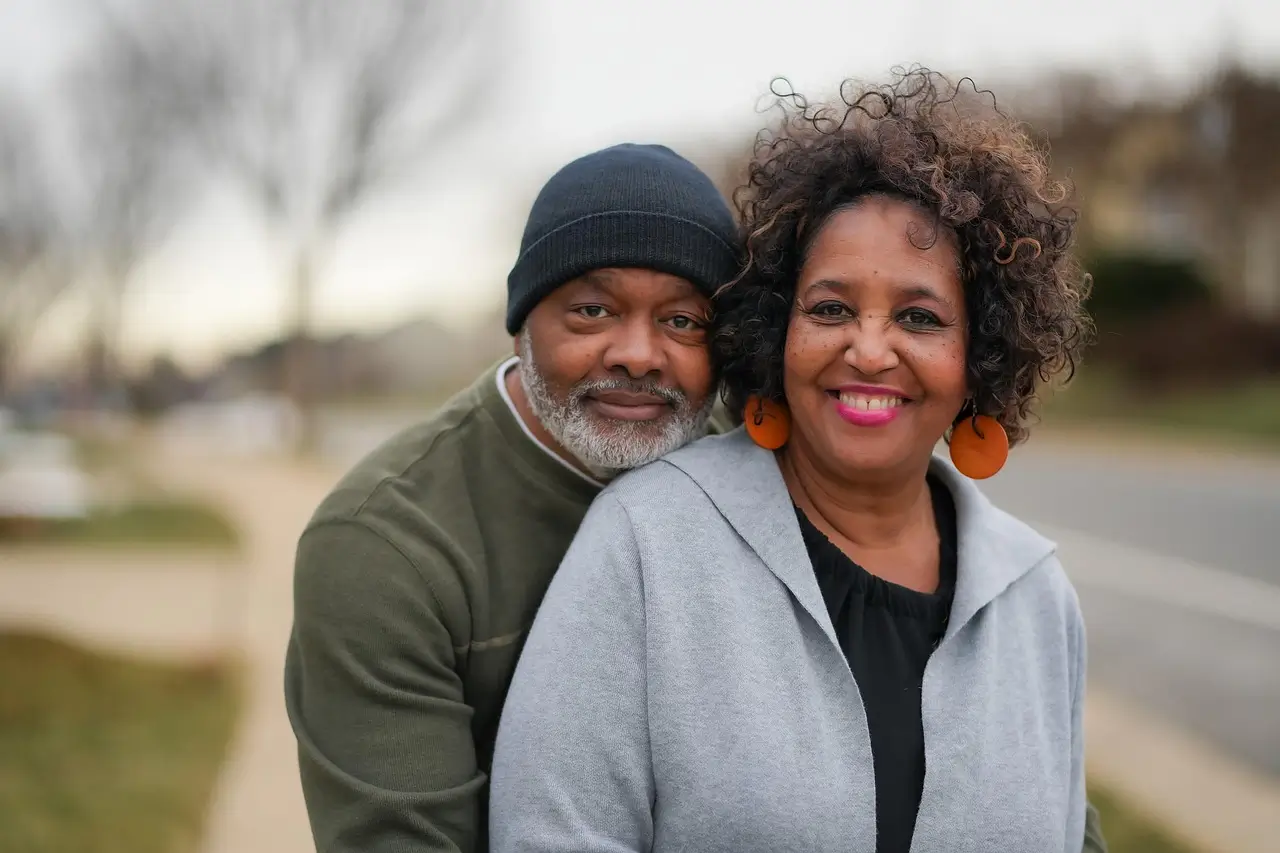
Restore old photos with AI. Bring faded, wrinkled family photos back to life while AI removes blur, enhances details, and upscales resolution. Turn precious memories into clear, print-ready photos.
User Cases
Enhance E-Commerce Product Images for HD Display
Instantly enhance Shopify product images. Improve low-quality photos without hiring a designer. Boost your store’s clarity and professionalism. Perfect for thumbnails, banners, and detail shots.
User Cases
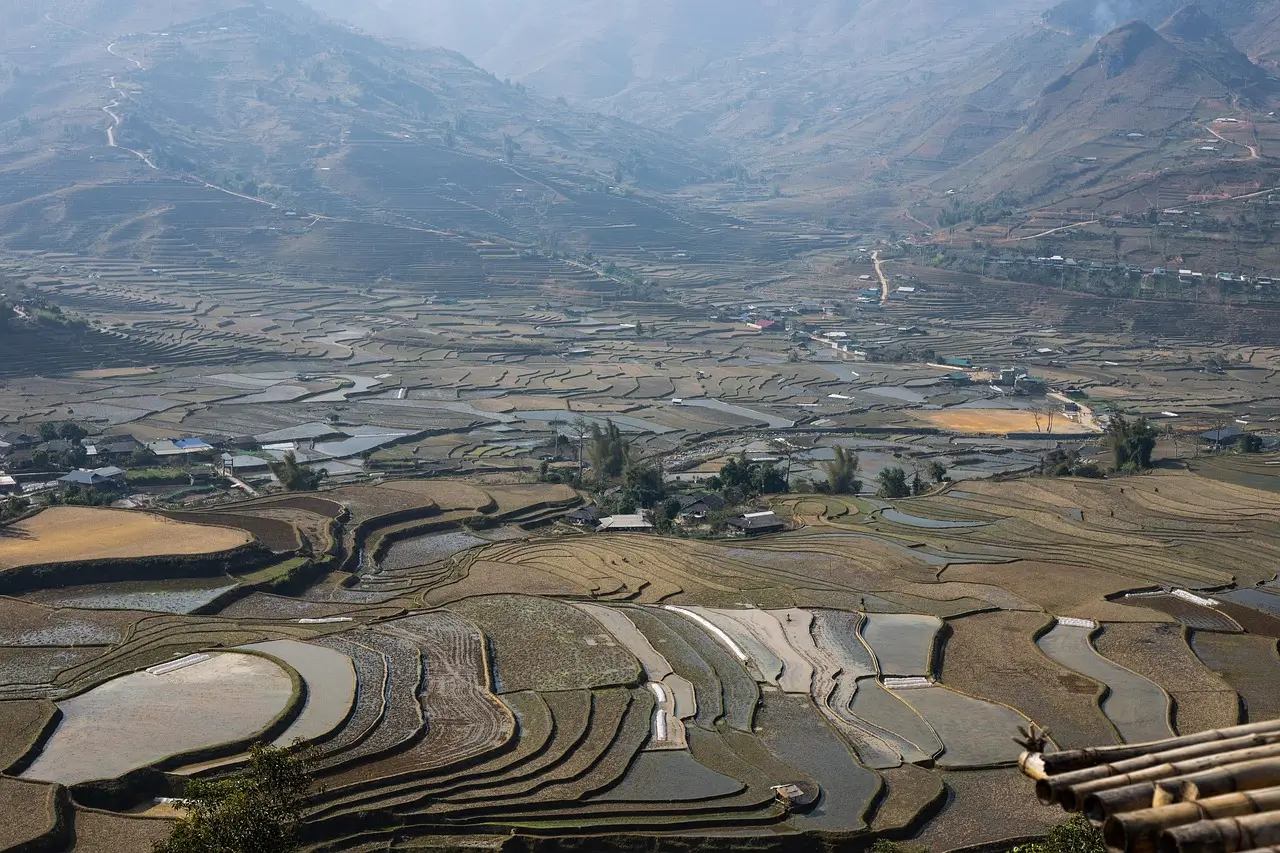
Elevate Your Travel Photos and Wallpapers with AI Image Upscaler
Upscale travel photos to 4K with AI image upscaler. Transform iPhone or camera photos into crisp desktop wallpapers or TV backgrounds. Every color and texture stays sharp and vivid.
User Cases
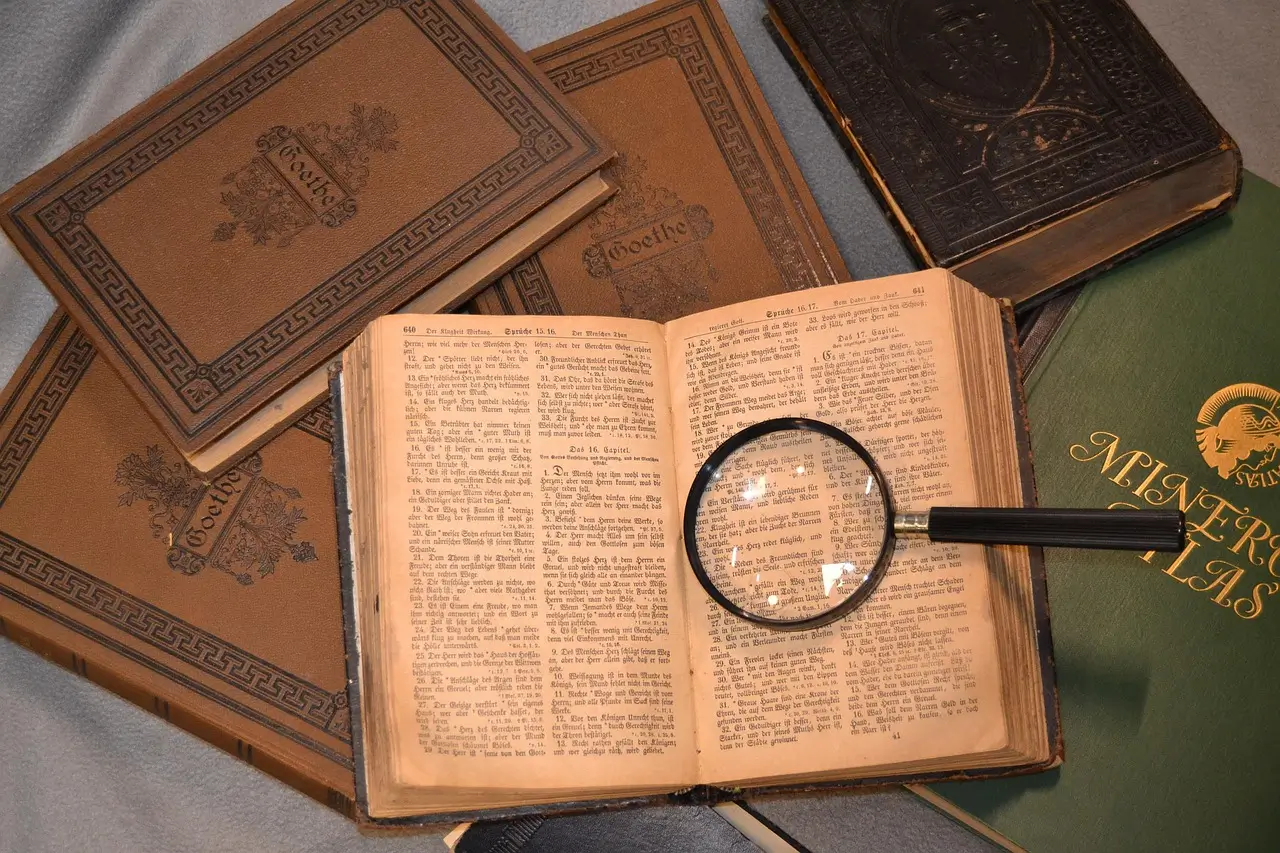
Quickly Upscale Images and Text in Any Document
Get publication-ready scientific charts with our AI image upscaler.Enhance graphs and research screenshots, boost resolution, keep every line, curve, and label perfectly legible, and make your work ready for presentations and papers in no time.
User Cases
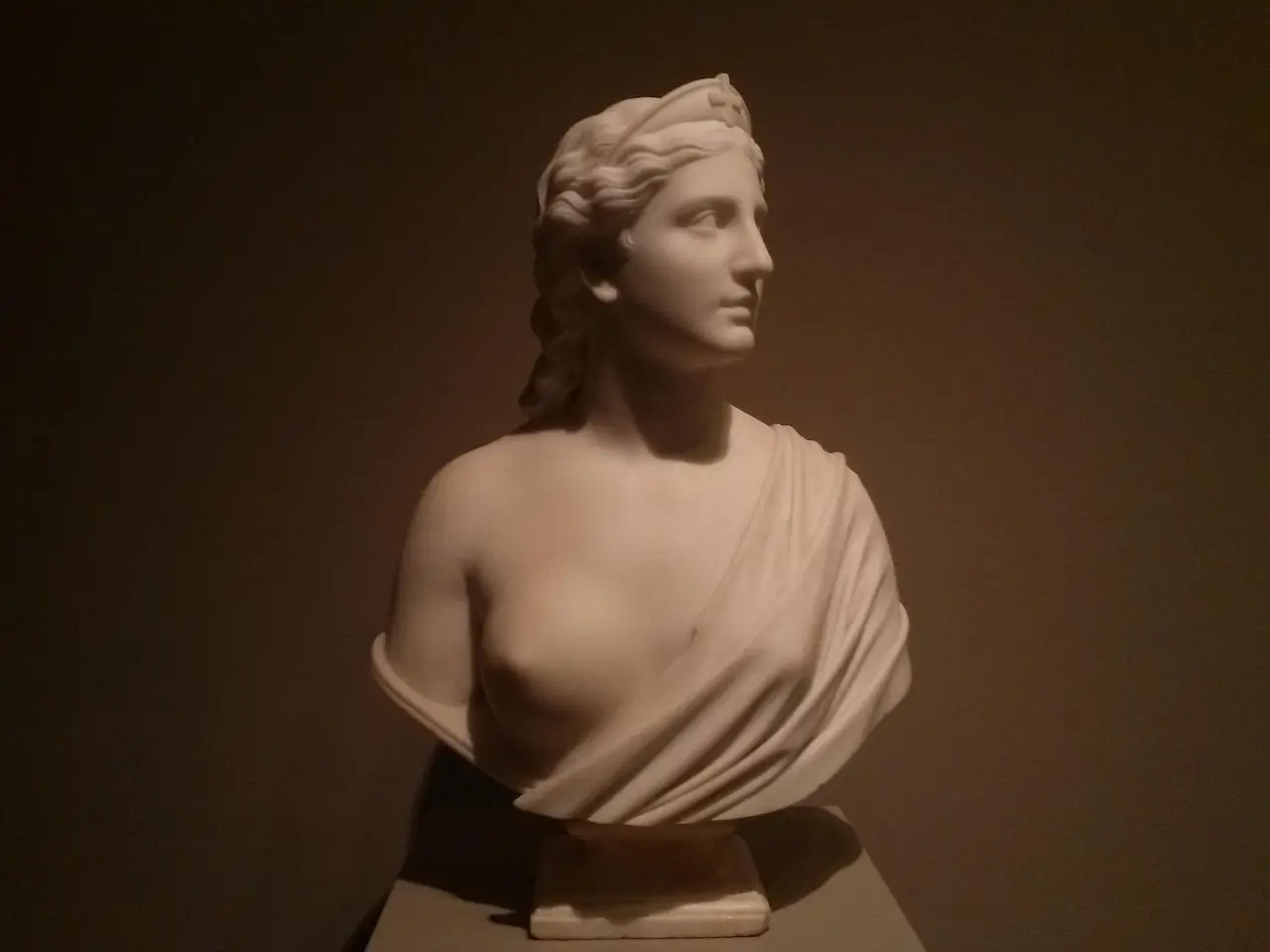
Transform Art and Display Images to High Resolution Quality
Present Art in High Resolution with ai image upscaler. Elevate digital paintings or 3D renders for large screens.Every brushstroke, pattern, and texture appears clear and professional for gallery display.
Help Center
AI Image Upscaler FAQ: Guide to Fast and Secure Image Enhancement
Find answers to common questions about the aI image upscaler, including processing time, possible failures, viewing history, and how uploaded images are safely stored and protected.
What is AI Image Upscaler?
How long does the ai image upscaler take to process images?
Estimated processing time is shown when you start. Depending on the chosen upscale factor and file size, processing can range from a few seconds to several minutes. Real times are often shorter than the estimate.
Why might the ai image upscaler fail?
Failures are rare but can occur due to network issues or high server load. If a job fails, please wait a few minutes and try again.
How can I view my upscaling history?
Your history is saved and viewable after logging in.
How are my uploaded images handled?
Uploaded images and processed results are encrypted and automatically deleted after 3 days. Unless you explicitly share a link, others cannot access your images.